Pakistani students can now apply for the PM Youth Chromebook Scheme 2026, days after the programme was formally launched in Islamabad. Prime Minister Shehbaz Sharif unveiled the scheme on Sunday, 25 October 2026, confirming that 500,000 refurbished Chromebooks will be distributed to talented students across the country over the next two years, along with bags and MiFi internet devices to support remote learning.
This is a major step forward from where the scheme stood only a week earlier. When the Prime Minister’s Youth Programme first announced the 500,000-device plan on 22 October, no eligibility rules, application portal or distribution timetable had been published. That has now changed: the launch ceremony set out who the scheme is for, and applications run through the official Inter Board Committee of Chairmen (IBCC) portal. Students who were told last week to wait for details now have a real process to follow — and a short list of traps to avoid.
What launched on 25 October — and what changed since the announcement
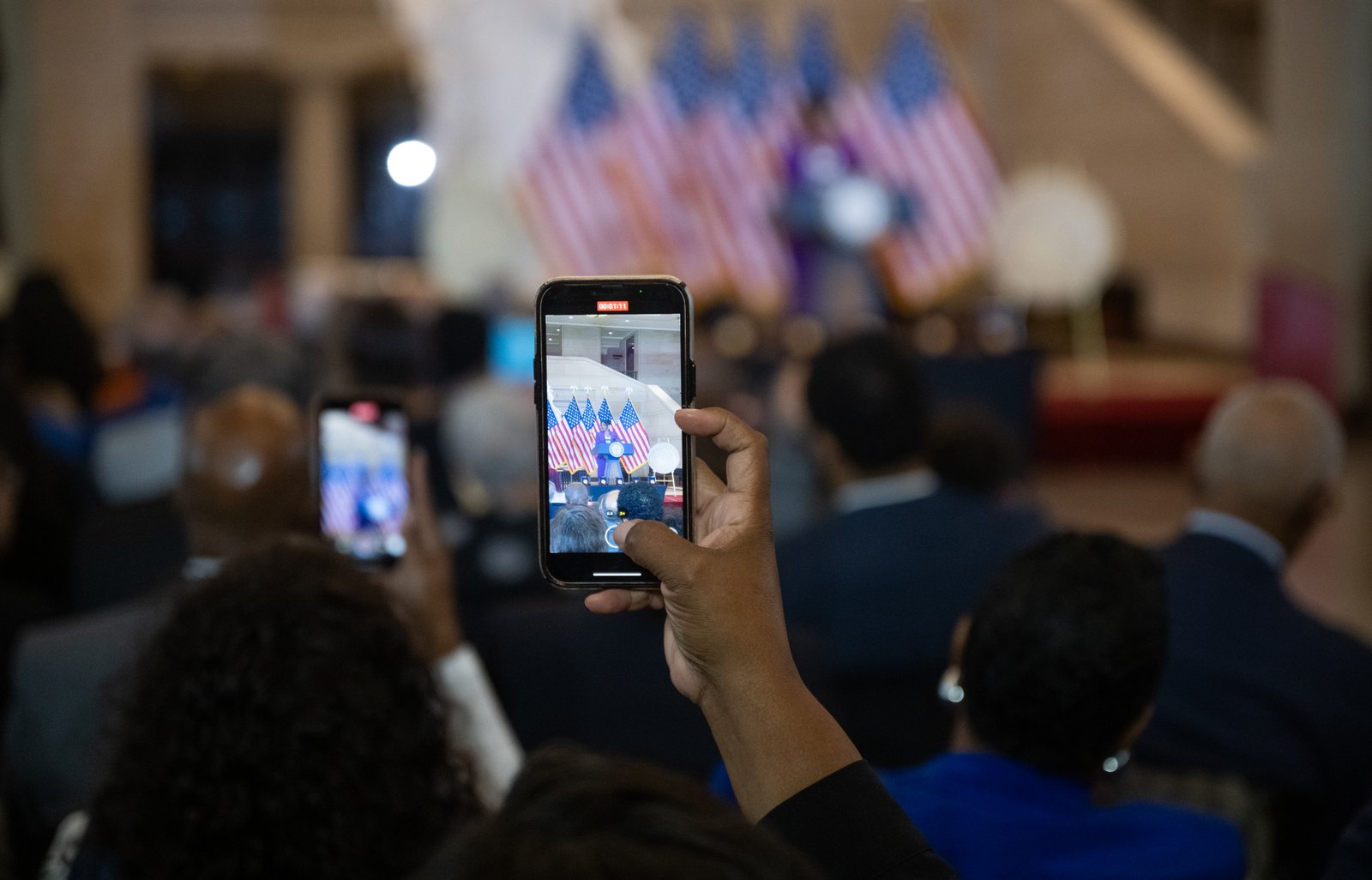
At the Islamabad launch, the prime minister described students as the country’s real asset and stressed that talent and hard work should not be held back by wealth or poverty. Selection, he said, will be made on merit alone. Programme chairman Rana Mashhood Ahmad Khan told the ceremony that the Tokyo Technology Care Foundation had taken practical steps to support digital facilities for 500,000 students.
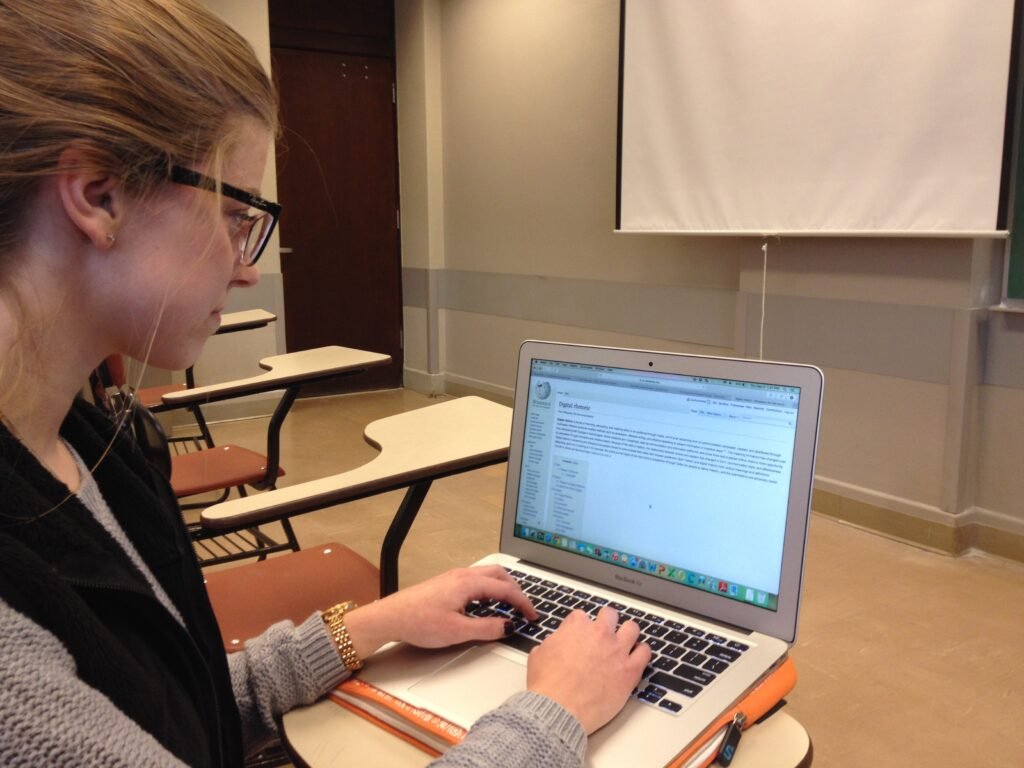
The launch also put the new scheme in context. An earlier laptop programme distributed about 600,000 laptops over roughly ten years; the Chromebook scheme aims to reach 500,000 students in just two years. The devices themselves are refurbished Chromebooks — laptops running Google’s ChromeOS, built around the web browser and cloud apps, which makes them well suited to classroom work, online classes and exam preparation even where a family cannot afford a full-priced laptop.
For readers following this story on UrduPro, this article is the follow-up to our 22 October announcement report, which correctly warned at the time that registration had not yet opened. That warning no longer applies: the portal is now the official route in, and any message claiming otherwise should be treated with suspicion.
Who is eligible: grades, schools and madaris

Eligibility turns on three things: your province or region, your class, and whether your name appears on your board’s list. In Punjab, Sindh, Khyber Pakhtunkhwa and Balochistan, the scheme targets top-performing Grade 9 (SSC-I) students from government or public schools, based on the Annual Examinations 2026. In Islamabad, Azad Jammu and Kashmir and Gilgit-Baltistan, top-performing students of both Grade 9 and Grade 10 (SSC-I and SSC-II) can apply.
Students of seminaries are also covered. The prime minister confirmed at the launch that seminary students are eligible, and devices were handed to high-performing Grade 9 students and seminary students at the ceremony itself. Each education board sets its own merit cutoff, so there is no single national marks threshold to quote: your board’s shortlist, not a forwarded social-media post, decides whether you can proceed.
Two points of confusion need care. Some reports describe private schools as excluded altogether, while others say private schools managed by provincial education foundations and registered madaris are included. Until your board publishes its own list, treat the government and public-school rule as the core, check the portal for your board’s exact category, and do not assume a private-school place is either guaranteed or barred. Similarly, one report cites at least 50 percent marks in the latest SSC-I examination as a floor, but the published application guidance emphasises board merit lists; if your name is on your board’s list, follow the portal, and if it is not, your school or board is the place to ask why.
Province-wise quota: where the 500,000 devices go

The reported regional distribution adds up exactly to the headline figure, which is a useful check that the plan has been worked through province by province rather than announced as a round number alone. Punjab receives the largest share, followed by Islamabad, reflecting the capital’s large student population in the scheme’s design.
| Province or region | Chromebooks allocated |
|---|---|
| Punjab | 181,090 |
| Islamabad Capital Territory | 100,000 |
| Sindh | 85,925 |
| Khyber Pakhtunkhwa | 51,170 |
| Balochistan | 31,815 |
| Azad Jammu and Kashmir | 25,000 |
| Gilgit-Baltistan | 25,000 |
| Total | 500,000 |
Within each region’s allocation, the reported split is 80 percent for school students and 20 percent for madaris students. Of the school share, 70 percent is earmarked for science students and 30 percent for arts students. That means being eligible in principle is not the same as receiving a device: final selection depends on merit within your region, board and stream, on verification of your result and enrolment, and on the quota still available.
How to apply online in six steps

Applications are made only through the official IBCC portal at pmychromebooks.ibcc.edu.pk. There is no separate paper form, and no agent or social-media page can apply on your behalf. Follow these steps in order:
- Open the official portal at pmychromebooks.ibcc.edu.pk and select your education board from the list provided.
- Find your record by entering your CNIC or B-Form number (digits only, without dashes), your roll number or registration number, and your date of birth.
- Check your details carefully. Your name, school and marks are pulled from your board’s list, so confirm every field matches your school record before going further.
- Upload your documents (listed below), keeping each scanned file under 300 KB.
- Submit the form once. You can apply only once, and the form cannot be edited after submission.
- Save your slip and reference number. Download the slip when it appears and keep it safe: it is your proof that the application went in.
If the portal cannot find your record, do not keep re-entering different numbers in the hope that one will work. Contact your school or your education board first: boards send the shortlisted names to IBCC, and a missing record usually means the board list, not the portal, needs checking.
Documents, mistakes to avoid, and what to do if your record is not found
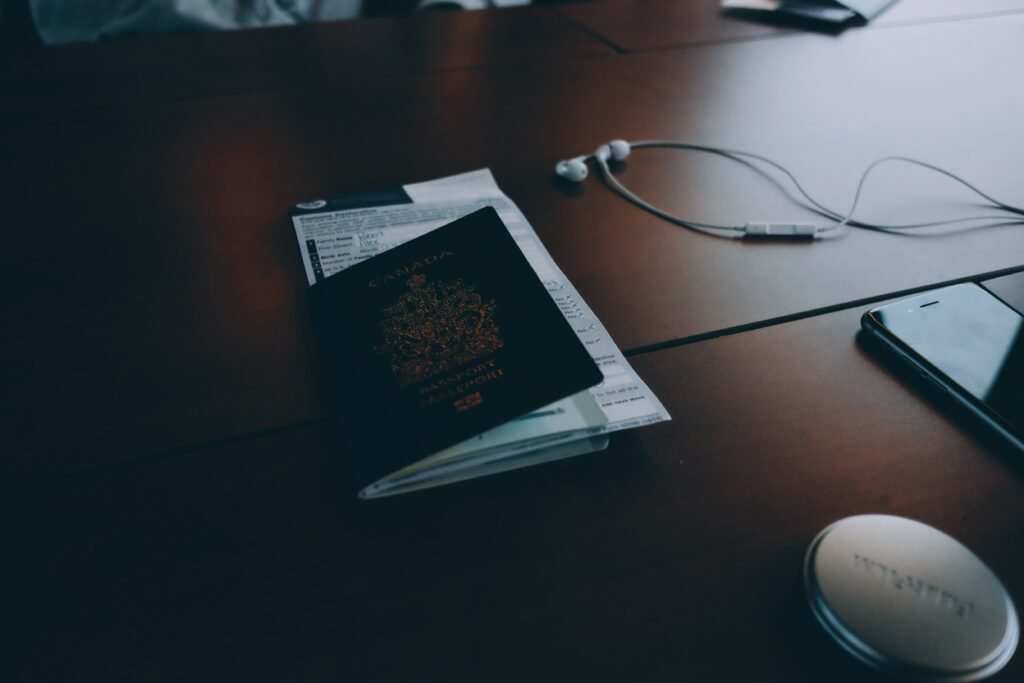
Have four items ready before you start: a recent passport-style photograph, your SSC-I or SSC-II mark sheet, an attested copy of your own B-Form or CNIC, and an attested copy of a parent’s CNIC. Each scan must be under 300 KB, so resize or recompress your files before uploading rather than discovering a rejection halfway through the form.
The single biggest mistake is also the easiest to avoid: submitting with a wrong number, name spelling or document and assuming it can be fixed later. It cannot. Incorrect information can cancel the allocation entirely, and because the form allows only one submission and no edits, a rushed application is worse than a careful one. Double-check the CNIC or B-Form digits, the date of birth and the board selection against your school record, and only then press submit.
Students should also keep expectations honest. A Chromebook in this scheme is a refurbished device, not a brand-new flagship laptop, and it arrives with a bag and a MiFi internet device rather than a cash payment. That combination is designed for study — classes, assignments, research and revision — and it is worth far more to a student without a computer at home than its second-hand label suggests.
What students should NOT do: scams, deadlines and false promises
First, no final application deadline has been confirmed in the published guidance so far. Any post, video or WhatsApp forward naming a last date should be treated as unverified until the Prime Minister’s Youth Programme, the Ministry of Federal Education or IBCC itself publishes one. Applying early through the official portal is sensible; panicking over an invented deadline is not.
Second, never enter your CNIC, B-Form number, phone number or photographs on any website, page or form other than the official IBCC portal. Fraudsters thrive in exactly this gap between a popular announcement and a new portal, and the scheme’s own earlier guidance warned students not to trust forwarded claims that registration had opened before it genuinely had. The same caution applies now in reverse: trust only the portal and your board.
Finally, remember the chain of events. The 22 October announcement promised 500,000 Chromebooks; the 25 October launch turned that promise into a live scheme with a portal, eligibility rules and quotas. Students who check their board’s list, prepare their four documents, apply once and keep their slip have done everything the scheme asks of them — and everyone else is still waiting on merit, verification and quota, not on a shortcut.
Related reading on UrduPro: our 22 October announcement report, our complete PM Youth Programme guide, and our guide to the PM Laptop Scheme 2026: who can apply.
Related Posts
 TechnologySUPARCO Opens UN Space Conference in Islamabad: Early Warning, Climate Action and Disaster Risk Assessment
 TechnologyApple’s New M6 MacBook Pro and iMac Are Here: Specs, Prices and 6 November Release Date
 TechnologyChrome’s emSign Root Removal Lands Today: What Pakistani Websites and Users Must Do
 TechnologyApple’s New OLED iPad Mini Is Here: A20 Pro Power, 8.5-Inch Display and a $699 Price Tag
 TechnologyApple Raises iPhone Duo Orders by 44% as Hinge-Crack Reports Cloud Its Foldable Launch
 TechnologyAnthropic Files Public IPO Prospectus for Nasdaq Listing Under ‘ANT’
Most Popular
 SportsBallon d’Or 2026: London Ceremony, Nominees and All-Time Records Ahead of 70th Anniversary289 views
 How-ToPTA Tax Calculator 2026: Check Mobile Tax on Any Phone288 views
 TechnologyRedmi K100 Launching on 28 October: 10,000mAh Battery, 185Hz Display and Full Specs267 views
 SportsUEFA Champions League 2026-27: Format, Teams and Schedule265 views
 TechnologyAround 20 Pakistani Tech Companies Showcase Innovation at TechCrunch Disrupt 2026 in San Francisco262 views
 Canada JobsTech Jobs in Canada: Roles, Salaries, and Skills Needed256 views