Pakistan’s National Cyber Emergency Response Team has issued a high-risk advisory warning of targeted phishing and malware attacks through WhatsApp Web, WhatsApp Desktop and email, with government officials and people who handle sensitive information most in the firing line. The alert, issued on 26 October 2026, rates the threat as high risk and urges immediate precautions, because a single malicious message or file could hand attackers control of a Windows computer and expose confidential data.
The warning matters far beyond government offices. WhatsApp is the everyday messaging tool for millions of Pakistanis, and WhatsApp Web and Desktop are how many people keep those conversations going on their computers at work. This advisory concerns a specific targeted campaign, but its advice on checking linked devices, verifying unexpected messages and switching on two-step verification is useful for every user.
What the high-risk advisory warns about
The National CERT advisory warns that attackers are running targeted phishing and malware campaigns that exploit WhatsApp Web, WhatsApp Desktop and email on Windows systems. The campaigns are aimed in particular at government officials, regulators and individuals who handle sensitive information, where a single compromised device can expose far more than one person’s private messages.
The advisory rates the threat as high risk. That rating reflects what is at stake if an attack succeeds: attackers could gain remote control of a system, steal passwords and gain access to sensitive data. It also reflects how the attacks are delivered. They do not rely on victims doing anything obviously reckless. They rely on messages and files that look official, familiar and routine.
How the attacks work
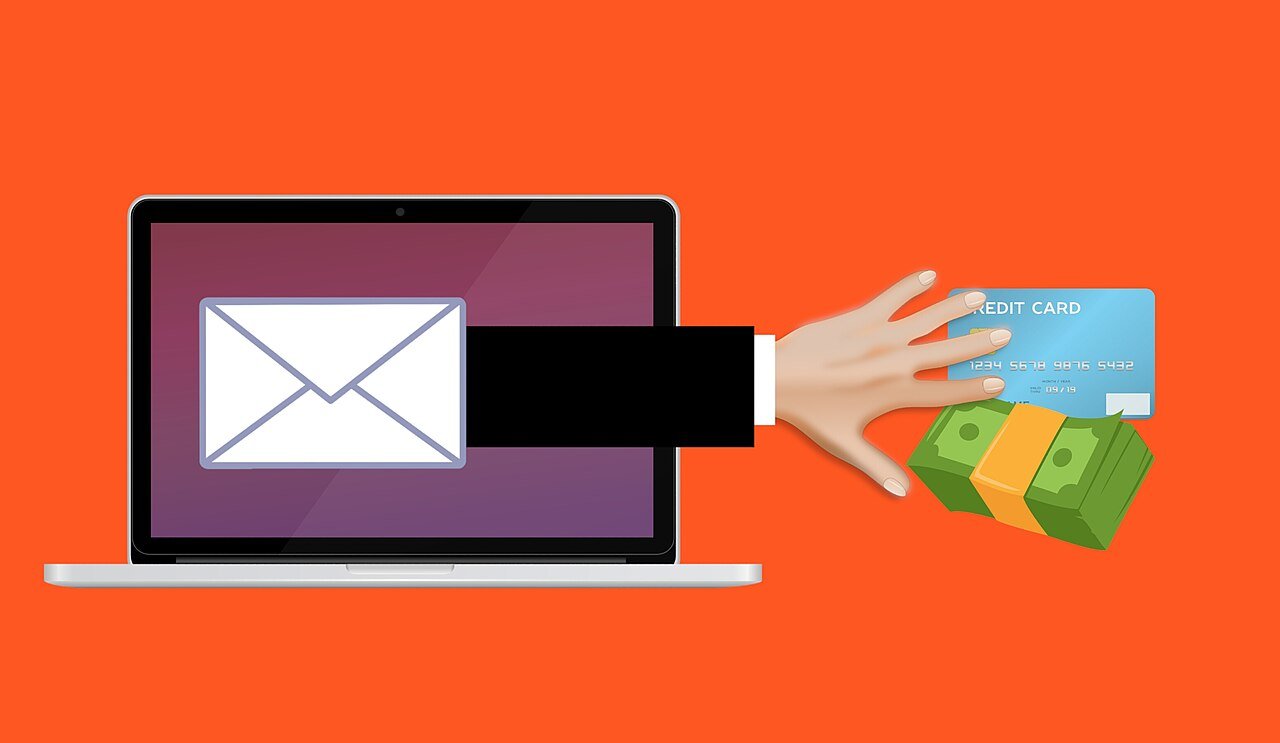
According to the advisory, attackers impersonate government officials and departments to send malicious files disguised as official documents. The files can include malicious archives, scripts and executable files. A victim triggers the compromise simply by opening a malicious link or an unsafe attachment, which is what makes the campaign so effective against busy officials who handle documents all day.
The attackers also target WhatsApp Web sessions themselves. By hijacking an active session, they can impersonate a legitimate user through that person’s own phone number, putting contacts and confidential communications at risk. A message that appears to come from a trusted colleague may in fact be part of the attack, which is why the advisory stresses independent verification before opening anything unexpected.
It is worth noting what the advisory does not do. It has not supplied specific attacker domains or file hashes, so users cannot rely on a blocklist to stay safe. The defence here is behaviour: verifying senders, refusing unexpected files and checking devices.
Who is most at risk
The advisory singles out government officials and people who handle sensitive information, including regulators and staff in departments that deal with confidential material. For these users, a compromised device is not just a personal inconvenience. It can expose official documents, credentials and the private communications of colleagues and contacts.
Organisations that use WhatsApp for official communication face the same risk in a wider form. Once attackers hijack one session, they can impersonate that user to target other organisations, spreading the attack through trusted contacts. That chain effect is a large part of why the advisory treats this campaign as a high-risk threat rather than a routine phishing warning.
Ordinary users are not the stated target of this campaign, but the same habits protect everyone. Unexpected messages, unfamiliar attachments and unknown linked devices are warning signs on any account.
Warning signs to watch for

The advisory lists several indicators that an account or device may be targeted or compromised. Unexpected messages or files from familiar numbers are one of the clearest signs, because attackers exploit trust in known contacts. Unusual attachments, especially files presented as official documents that you were not expecting, deserve the same suspicion.
Unknown devices appearing in WhatsApp’s linked devices list are another warning sign. If a device you do not recognise is linked to your account, your session may have been hijacked. Suspicious data transfers and other unusual activity on the device should also be treated seriously rather than dismissed as a glitch.
The practical rule is simple: if a message, link or file is unexpected, treat it as unverified until you have checked it through a separate channel. Contacting the supposed sender by phone or in person, rather than replying in the same chat, is the kind of independent verification the advisory recommends.
What officials and users should do now
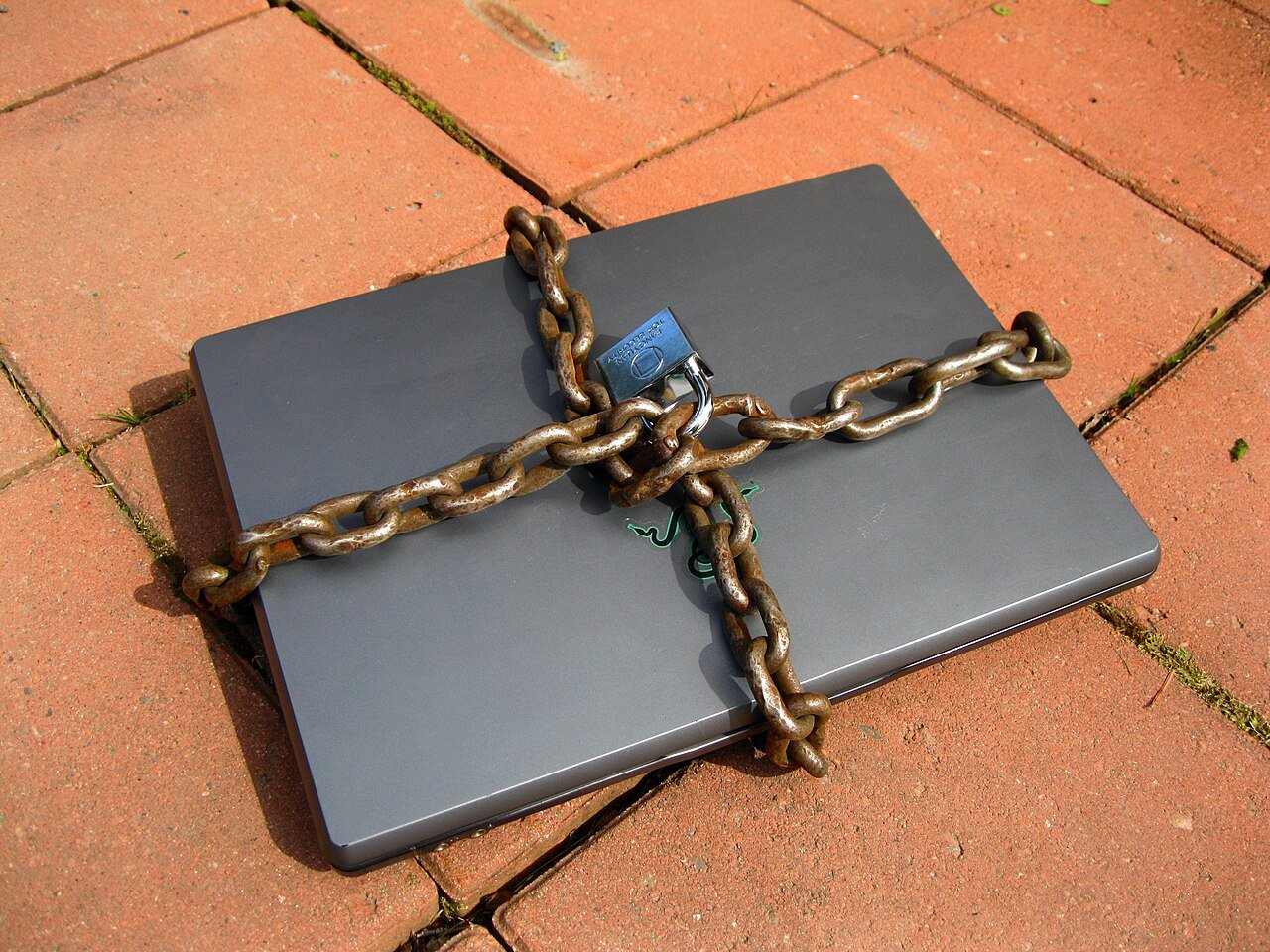
The advisory’s most direct recommendation is that officials handling sensitive information should avoid using WhatsApp Web and desktop applications on official Windows computers. It also advises against transferring WhatsApp files to official Windows computers, closing off a route by which a malicious file could move from a phone onto a work system.
Users should immediately end any suspicious WhatsApp Web sessions and, if compromise is suspected, disconnect the device from the network and the internet at once. Messages and logs should be preserved as evidence, without reopening suspicious content. Keeping Windows, browsers and other software updated is also advised, since unpatched software gives attackers an easier path in.
Two further habits are central to the advisory. First, enable two-factor authentication, including WhatsApp’s two-step verification feature, which adds a PIN to protect the account even if a code is intercepted. Second, never share passwords, one-time passwords or verification codes with anyone, no matter who the request appears to come from. No genuine official will ask for them.
Why this warning matters now

This advisory lands at a time when messaging apps carry an ever larger share of official and professional communication in Pakistan. That convenience is exactly what makes session hijacking so dangerous. A compromised account does not just leak one conversation. It hands attackers a trusted identity they can use against colleagues, departments and other organisations.
The weakest point in these attacks is rarely the software itself. It is the moment a busy person opens a file that looks official, or trusts a message because it came from a familiar number. That one verification check, and keeping two-step verification switched on, are the defence this warning is asking for.
Related coverage: NCCIA Rescues 13-Year-Old Karachi Girl Trapped in Dark Web Network That Ordered Her to Poison a Cat, PTA Recovers Only 12.9% of Rs4.27 Billion Telecom Fines and The Popcorn Time Botnet That Never Woke Up: How Researchers Hijacked Millions of Forgotten Installs.
Related Posts
 TechnologySmartphone Prices in Pakistan Jump by Up to Rs 30,000 as Chip Costs Bite
 TechnologyElon Musk’s AI Odyssey Arrives as a 7-Minute Episode, Not the Film He Promised
 TechnologyPakistan’s Largest AI Hackathon Ends in Islamabad: 16,000 Applications, 300 Projects and What Comes Next
 TechnologyVivo Y32 Arrives in Pakistan With a Huge 8000mAh Battery and Pre-Orders Open This Week
 TechnologyOnePlus Ace 7 Pro: Launch Date, Built-In Cooling Fan, Specs and Expected Price in Pakistan
 TechnologyGTA 6 Launch Trailer: Release Date, Platforms and What the Final Trailer Shows
Most Popular
 SportsBallon d’Or 2026: London Ceremony, Nominees and All-Time Records Ahead of 70th Anniversary279 views
 How-ToPTA Tax Calculator 2026: Check Mobile Tax on Any Phone277 views
 TechnologyAround 20 Pakistani Tech Companies Showcase Innovation at TechCrunch Disrupt 2026 in San Francisco256 views
 TechnologyRedmi K100 Launching on 28 October: 10,000mAh Battery, 185Hz Display and Full Specs250 views
 SportsUEFA Champions League 2026-27: Format, Teams and Schedule247 views
 Canada JobsTech Jobs in Canada: Roles, Salaries, and Skills Needed245 views