It is the most familiar frustration on Instagram. You post a Story, spot a typo a minute later, and your only choice is to delete the whole thing and start again — losing every view it had already collected. From this week, that choice is gone.
Instagram now lets you edit a Story after you have posted it. The head of Instagram, Adam Mosseri, announced the change on Wednesday 18 November 2026, and the feature is rolling out to users now. For the first 15 minutes after a Story goes live, you can fix the text, change the music, add or remove stickers and adjust drawings — without deleting the post and without losing the views, likes or replies it has already gathered.
It is a small change that fixes a problem almost every Instagram user has hit at least once. Stories have been part of the app since 2016, and for a decade the rule was simple and unforgiving: once a Story was live, it was locked. A spelling mistake, a wrong song or a sticker placed by accident meant deleting the Story, reposting it, and watching the view count start again from zero. Worse, because Stories appear in reverse chronological order, a reposted Story would land in a different place in the feed, so some followers might never see it at all. TikTok users will recognise the frustration: once a video is posted there, a mistake also means deleting it and starting again.
What you can change

The new edit option covers the layers that sit on top of your photo or video. Within the 15-minute window you can correct typos and rewrite text, swap the background music, add or remove stickers, and change drawings. The Story keeps its audience and its engagement, and viewers will see a small “Edited” label in the upper corner so they know the Story has been changed.
What you cannot do is replace the photo or video itself. If the clip is wrong, or the picture is the wrong one, the old rule still applies: delete it and post again. The edit option is for the details around the image, not the image itself.
There are two other limits worth knowing. Editing is not available on Stories that were also shared to Facebook, or on Stories containing certain stickers. And if anyone has reshared your Story, those reshares are removed when you edit it. Instagram has not said which stickers are excluded, so the safest assumption is that a Story with interactive stickers may not offer the edit button at all.
How to edit a Story after posting
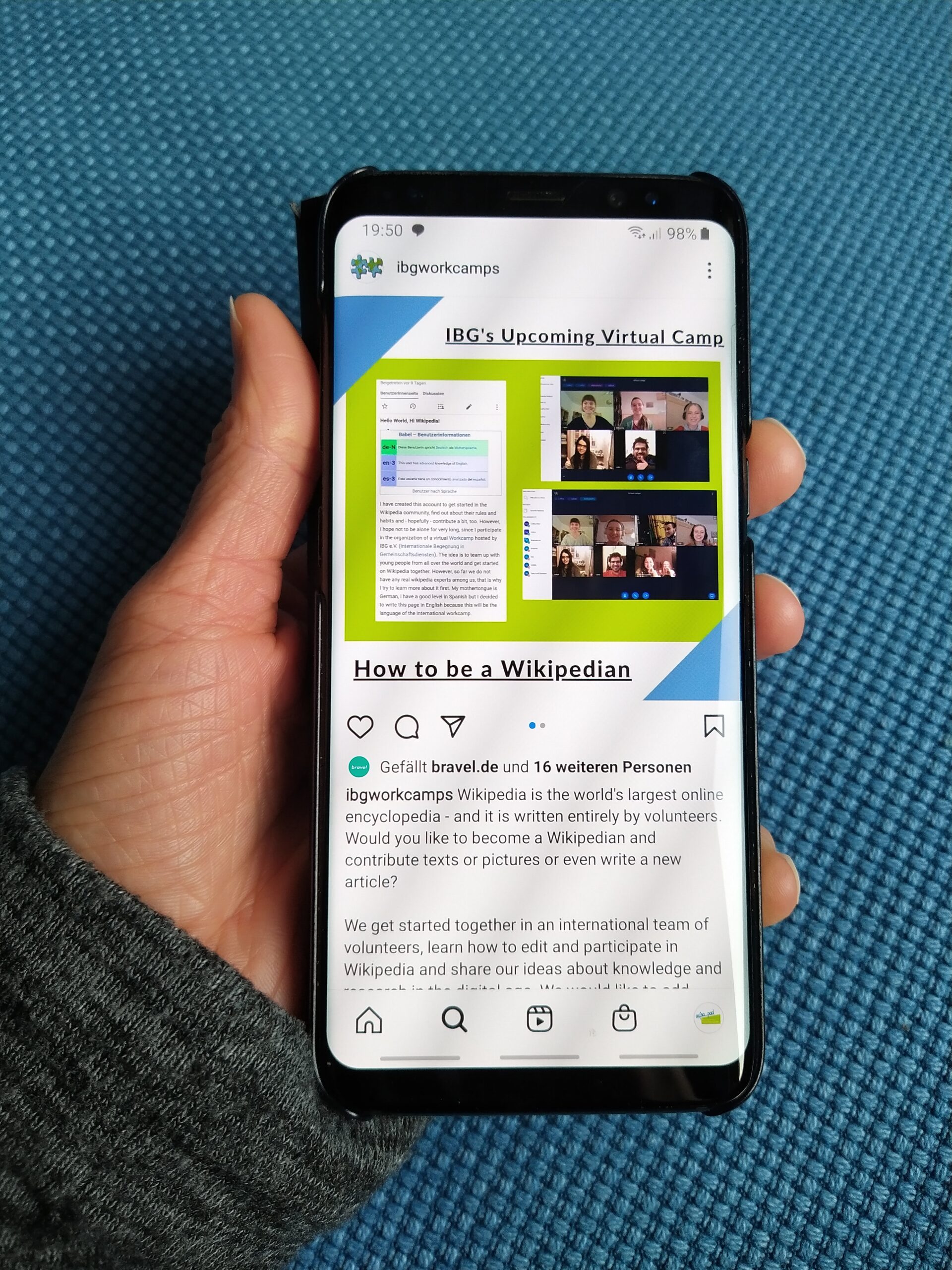
The steps are straightforward, once the feature has reached your account. Open your published Story from your profile picture or the Stories tray at the top of your feed. Tap the three-dot menu in the bottom-right corner of the screen. Choose “Edit story” from the menu, make your changes, and save. The edited Story keeps its place in the feed and its view count.
If “Edit story” is not in your menu yet, the feature has simply not reached your account. Instagram is rolling it out gradually rather than switching it on for everyone at once, and Mosseri gave no date for full availability. Updating the app to the latest version is the only step you can take — after that, it is a matter of waiting for the rollout to reach you.
The 15-minute limit is the part that will catch people out. A Story stays up for 24 hours, so the edit window covers only about one per cent of its life. It is long enough to catch the typo you spot the moment you post, but not long enough to fix something a follower points out hours later. For anything spotted after the window closes, deleting and reposting is still the only option.
Why 15 minutes, and what else is new
The 15-minute window is not a random number. Instagram introduced the same limit earlier in 2026 for editing comments, so the two features now match. The pattern is clear: quick corrections are allowed, but posts cannot be quietly rewritten long after people have reacted to them.
The story-editing option arrived alongside other Stories upgrades, including new sticker designs, an easier way to select multiple photos, and backgrounds for photos of any size. November has been a busy month for Instagram: its Edits video editing app also launched on Mac, with multi-track editing and 4K export.
For the roughly three billion people who use Instagram, the change removes one of the app’s oldest annoyances. The fix is narrow — 15 minutes, text and stickers only, no photo swaps — but for anyone who has ever deleted a Story over a single misspelled word, it is the update they have been waiting a decade for.
Sources: Engadget; Fast Company.
Related Posts
 TechnologyPakistani Women Are Earning Lakhs Online Through Foodpanda, Facebook and JazzCash — But Real Financial Freedom Is Still Out of Reach
 TechnologyFBI Investigating Suspected Breach of National Crime Database Used by Police Across America
 TechnologyAshton Kutcher’s $435 Million Anthropic Bet Is Now Worth $7 Billion
 TechnologyStanford Fires Back With All-Human Riemann Proof Hours After Claude’s Claim — Then Problems Emerge
 TechnologyPakistan’s First AI Satellite Imagery Service Launches: Novascope Turns 10-Metre Views into 1-Metre Detail
 TechnologyNCCIA Raids Lahore Call Centre Targeting UK Customers — Eight Arrested in Fake Phone Scam
Most Popular
 How-ToPTA Tax Calculator 2026: Check Mobile Tax on Any Phone421 views
 Pakistan NewsPIA Boeing 787 Lease Deal: What It Means for the Airline396 views
 Canada JobsTech Jobs in Canada: Roles, Salaries, and Skills Needed393 views
 SportsUEFA Champions League 2026-27: Format, Teams and Schedule390 views
 TechnologyPM Shehbaz Sets November Deadline for Alibaba AI and Digitalisation Projects in Pakistan370 views
 ShowbizWomen’s Fashion in Pakistan 2026: Trends, Brands and Style Guide366 views