DIRBS 2026: How to Check and Register Your Mobile with PTA
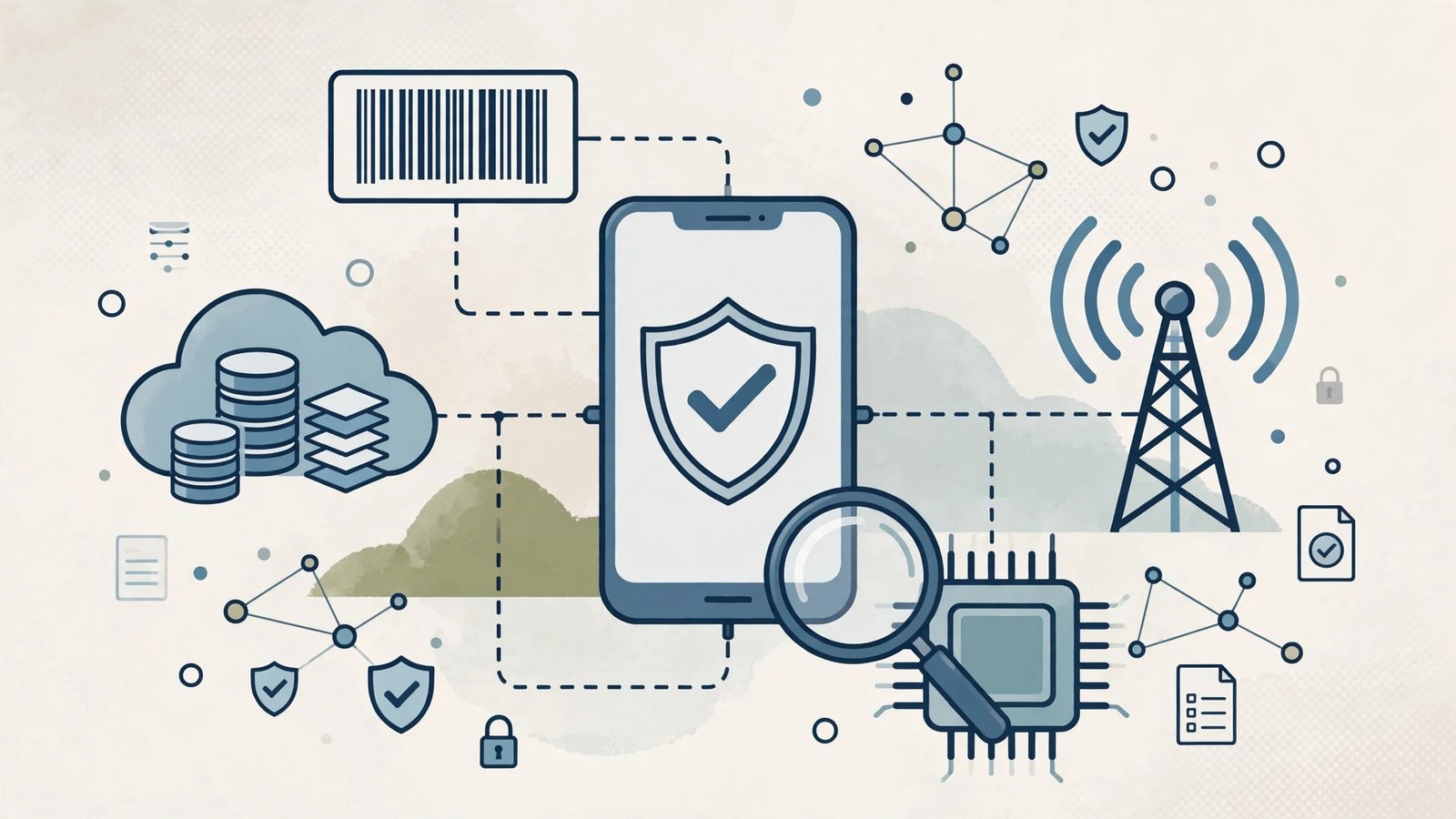
DIRBS — the Device Identification, Registration and Blocking System — is the backbone of mobile regulation in Pakistan. Every phone used on a Pakistani network must be recorded in the PTA database, and any device that is not registered within 60 days of first use gets blocked from calls, SMS and mobile data. As of August 2026, the system holds around 270 million IMEI numbers. Whether you just bought a phone, imported one, or picked up a second-hand handset, here is how to check your status and register correctly.
DIRBS Explained: What It Is and How It Works
It was launched in 2018 to stop smuggled, stolen and cloned phones from operating on Pakistani networks. The system maintains a whitelist of compliant IMEIs, a greylist of devices in their 60-day grace period, and a blacklist of blocked or stolen devices. When your phone connects to a local network, its IMEI is checked against this database automatically. The framework covers smartphones, basic 2G/3G/4G/5G handsets, tablets with SIM slots and some mobile WiFi devices. Buying from an authorised dealer usually means the phone is already whitelisted; grey-market and personally imported phones need manual registration.
How to Check Your Phone Status on DIRBS
Checking is free and takes under a minute, using any of three official methods. The fastest is SMS: send your 15-digit IMEI (dial *#06# to find it) to 8484 and the system replies with your status — compliant, non-compliant, blocked, or in the grace period — along with the brand, model and first-use date. Alternatively, dial *8484# for a USSD menu with no SMS charge, or visit dirbs.pta.gov.pk and enter the IMEI for a detailed on-screen result you can screenshot. A small SMS fee of around Rs. 2–3 applies to the 8484 message.
Registering Your Device Through the DIRBS Portal
If the check shows your phone as non-compliant, registration is mandatory. Create an account on dirbs.pta.gov.pk, enter the IMEI, and choose registration on CNIC or passport. The portal calculates your exact duty and generates a PSID payment slip. Pay through JazzCash, Easypaisa, a bank branch or the 1Link network, and activation typically completes within 24–48 hours. You can also register at any mobile operator franchise or customer service centre, or by dialling *8484# from a SIM issued in your name. Register both IMEIs on dual-SIM phones.
What DIRBS Status Messages Mean
The reply uses specific terms worth understanding. “Compliant” means the phone is registered and safe. “GSMA valid but not registered” means the IMEI is genuine but duties are unpaid — register within 60 days. “Non-compliant” means registration and payment are required immediately. “Duplicated/cloned” means the IMEI appears on more than one device; file a complaint on PTA’s CMS portal for SIM pairing verification. “Blocked (stolen/lost)” means the device was reported and cannot be unblocked without going through the complaint process. Never buy a phone showing a cloned or blocked status. Keep the SMS reply or a screenshot of the portal result as proof of compliance when buying or selling a used phone, since registration records stay tied to the original registrant.
Frequently Asked Questions
Q1: What happens if I miss the 60-day deadline?
A1: The IMEI is blocked from all Pakistani networks for calls, SMS and data, though WiFi keeps working.
Q2: Is checking my status free?
A2: The portal and *8484# are free; the SMS to 8484 costs a small standard SMS charge.
Q3: Can overseas Pakistanis use phones without registering?
A3: Visiting overseas Pakistanis can use a phone for up to 4 months without paying; permanent use requires registration.
Q4: I bought a used phone — how do I make sure it is clean?
A4: Check the IMEI before paying. Registration stays tied to the original registrant, so a compliant status protects you.
Q5: Do tablets need registration too?
A5: Yes, any device with an IMEI and a SIM slot that connects to Pakistani mobile networks falls under the system.
Next, read our PTA tax 2026 guide for the duty amounts and our PTA tax calculator walkthrough. PTA’s own explanation is at pta.gov.pk, with a detailed walkthrough at National Courier’s registration guide.
In-Depth Guide: How DIRBS Protects Mobile Users in Pakistan
DIRBS — the Device Identification, Registration and Blocking System — is the PTA system that links every mobile phone’s IMEI to a legal import or tax-paid registration record. If your phone is not registered in DIRBS PTA mobile registration, it will eventually be blocked from all Pakistani networks. This guide explains how the system works, how to run a DIRBS IMEI check online, how PTA DIRBS tax payment works, and what to do about a DIRBS blocked mobile unblock request.
What Exactly Is DIRBS?
DIRBS is a central database operated by the PTA that records the IMEI numbers of all mobile devices used in Pakistan. When you insert a Pakistani SIM, the network checks your phone’s IMEI against the DIRBS database. Devices fall into three categories: compliant (registered and tax-paid), non-compliant (unregistered but within a grace period), and blocked (unregistered after the grace period). The system was introduced to curb smuggling, phone theft and tax evasion — and it works: millions of smuggled handsets have been blocked since launch.
How to Do a DIRBS IMEI Check Online
A DIRBS IMEI check online takes less than a minute. Dial *#06# on your phone to display its IMEI number, then verify it through any of these methods:
- SMS: Send your 15-digit IMEI to 8484. You will receive a reply stating whether the device is compliant, non-compliant or blocked under DIRBS.
- PTA website: Enter the IMEI on the DIRBS verification portal to see the registration status, model name and whether tax is due.
- DVS app: The Device Verification System app lets you scan and check multiple IMEIs, useful when buying a second-hand phone.
Always run a DIRBS IMEI check online before buying a used phone — a blocked handset is essentially worthless on Pakistani networks.
PTA DIRBS Tax Payment: Step by Step
If your phone shows as non-compliant, PTA DIRBS tax payment is the way to legalise it. Register on the PTA DIRBS portal with your CNIC or passport, enter the IMEI, and the system calculates the tax based on the phone’s assessed value. Pay through the generated PSID at any bank, ATM or mobile banking app. After payment confirmation, the IMEI moves to compliant status, usually within 24 to 48 hours. Overseas Pakistanis get a concession: one phone per passport per year can be registered at reduced or zero tax within the allowed window after arrival.
DIRBS Blocked Mobile Unblock: Your Options
A DIRBS blocked mobile unblock is possible but only through the official route — there is no shortcut, and anyone offering to unblock phones for a fee outside the PTA system is running a scam. The legitimate process is simple: pay the outstanding tax through the DIRBS portal and the block lifts automatically once payment clears. If your phone was blocked by mistake (for example, after a legitimate tax payment), file a complaint with the PTA helpline or the Citizen Portal with your payment receipt. Dual-SIM phones need both IMEI slots registered — a common reason people think a DIRBS blocked mobile unblock failed is that they registered only one IMEI while the phone connects through the other.
Common DIRBS Mistakes to Avoid
Never buy a phone without verifying its IMEI status first. Do not trust sellers who claim “PTA approved” without proof — ask for the DIRBS compliance SMS for that exact IMEI. Keep your tax payment receipt until the phone shows compliant, and register the device in your own name rather than the seller’s. Understanding DIRBS takes ten minutes and can save you the full price of a handset.
Related Posts
 TechnologyWhatsApp New Features 2026: What’s Changed
 TechnologyDeepSeek V4.1 Flash Launched: Faster, Leaner Open-Source AI Model Takes on Claude and OpenAI
 TechnologyPakistan’s First Astronaut to Embark on Space Mission on November 25, Announces Ahsan Iqbal
 Technology5G in Pakistan: Launch Status, Cities and Supported Phones
 TechnologySamsung Galaxy A56 Price in Pakistan: Variants, Specs and Buying Guide
Most Popular
 How-ToPTA Tax Calculator 2026: Check Mobile Tax on Any Phone97 views
 BISPPunjab Driving License Scam Alert: Fake Websites & “Without Test” Fraud | UrduPro81 views
 Canada JobsTech Jobs in Canada: Roles, Salaries, and Skills Needed79 views
 TechnologyTecno Mobile Prices in Pakistan 2026: Spark, Camon and Pova Series Compared69 views
 ShowbizWomen’s Fashion in Pakistan 2026: Trends, Brands and Style Guide68 views
 BusinessTech Stocks Trillion Loss: $1 Trillion Wiped Out as Oil Hits $11067 views