PTCL Home-Fi Packages 2026: Price, Installation and 250GB Fair Usage Policy
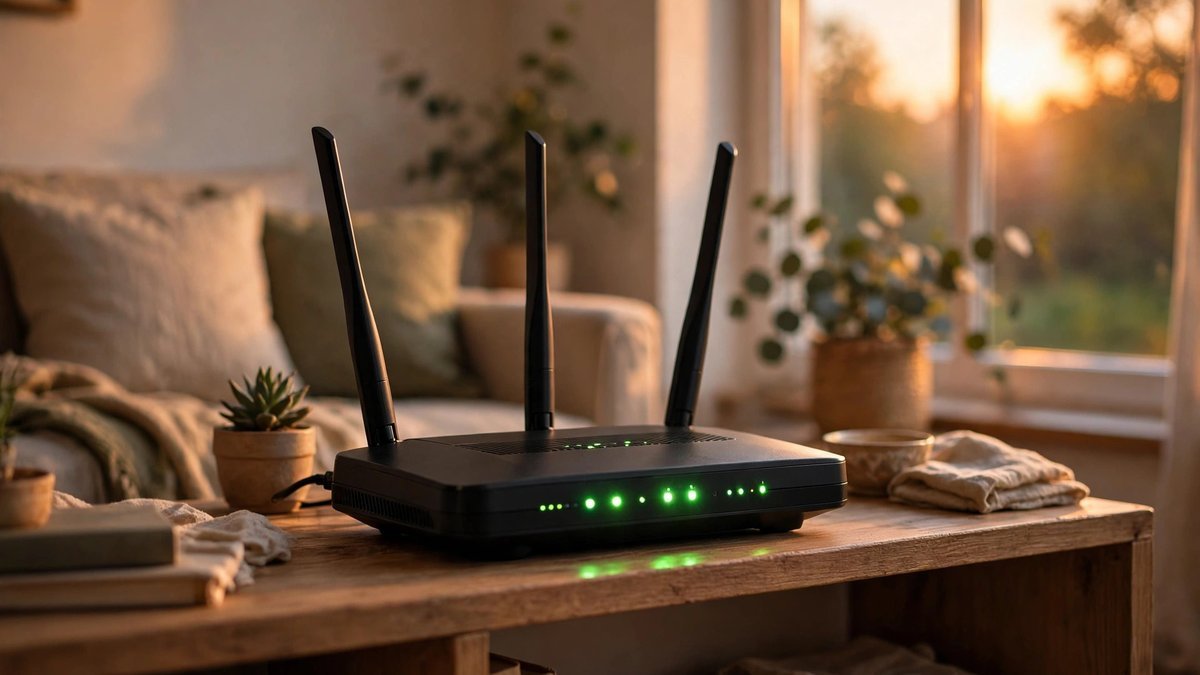
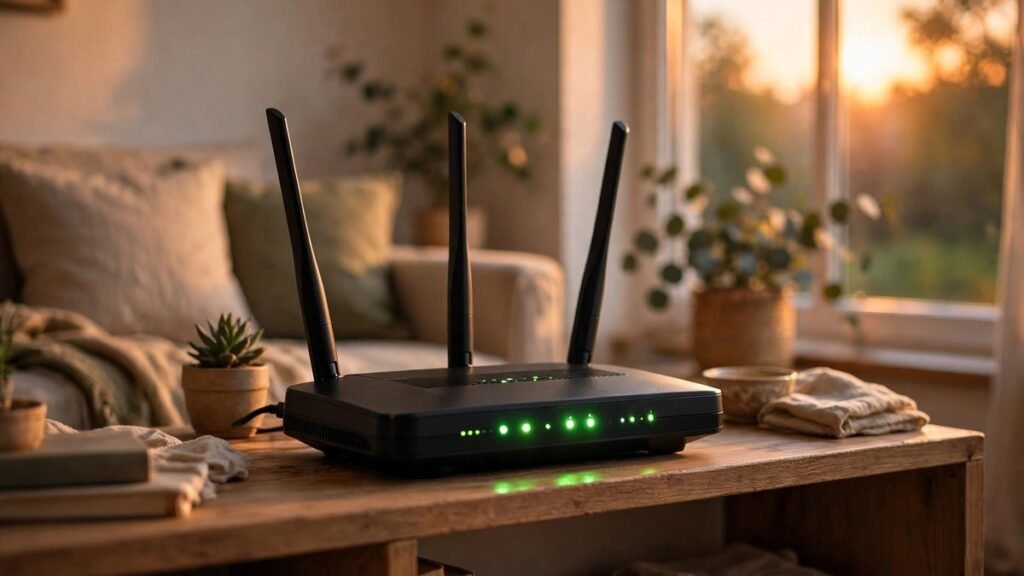
PTCL Home-Fi is PTCL’s plug-and-play wireless internet router — a fixed wireless alternative for homes that cannot get DSL or fiber, or for anyone who wants instant connectivity without wiring. Unlike the old Evo dongles, Home-Fi is a proper home router with external antennas and ethernet ports. In 2026 the offer is simple: a one-time installation charge of Rs. 3,500 and a flat monthly charge of Rs. 1,599 inclusive of taxes, with “unlimited” data subject to a 250 GB Fair Usage Policy. Here is the complete breakdown.
What Is PTCL Home-Fi?
PTCL Home-Fi is a wireless internet router that connects to PTCL’s wireless network and shares the connection over Wi-Fi inside your home — no telephone line, no fiber digging, no technician wiring your street. PTCL describes it as a hassle-free, plug-and-play connection with strong in-home Wi-Fi coverage, designed for families who want to stream, work and browse with fewer interruptions. It is one of the few remaining PTCL-branded wireless products still actively offered after the Evo and CharJi shutdowns.
PTCL Home-Fi Price and Package Details (2026)
| Item | Detail |
|---|---|
| Installation / device charges | Rs. 3,500 (one-time) |
| Monthly charges | Rs. 1,599 (inclusive of all taxes) |
| Data volume | Unlimited (250 GB Fair Usage Policy applies) |
| Billing mode | Prepaid and postpaid |
The headline ptcl home-fi price is therefore Rs. 5,099 to get started (installation plus first month), and Rs. 1,599 per month afterwards, with no hidden costs according to PTCL’s own FAQ. If you exhaust the 250 GB fair-usage volume, you can re-subscribe for an additional Rs. 1,599 by sending “Resub” followed by your MDN number to 0512181218; the extra volume stays valid till the end of the month.
Home-Fi Router Specifications
The supplied router is a Wireless N300 unit with:
- 3 Fast Ethernet (FE) ports plus 1 WAN port — so you can wire a desktop, smart TV or gaming console directly
- Support for up to 32 Wi-Fi devices at the same time
- WPS (Wi-Fi Protected Setup), WPA2 encryption and a built-in firewall
- External antennas for improved Wi-Fi and wireless reception, with a Wi-Fi range of roughly 20 to 30 metres
The ethernet ports are a genuine advantage over pocket MiFi devices: wired connections give lower latency for gaming and video calls, which is why Home-Fi suits work-from-home users better than a battery hotspot.
How to Order and Activate
Ordering is done through the helpline 1218. Once your order is placed, PTCL sends an SMS with your MDN — a unique 9 to 11 digit number assigned to your Home-Fi connection, also printed on the device box and the inserted SIM. You deposit Rs. 5,099 against this MDN through Upaisa, Easypaisa, JazzCash, Uload, 1-Link, online banking or a PTCL joint shop. PTCL states the connection is delivered within 2 business days of payment. Monthly bills of Rs. 1,599 can be paid through the same channels.
Who Is Home-Fi Best For?
Home-Fi is best for households in areas without fiber or reliable DSL, renters who cannot get a wired line installed, and small families with moderate usage under 250 GB a month. At Rs. 1,599, it undercuts most 4G MiFi bundles on a per-GB basis while offering a proper router. It is not ideal for very heavy downloaders who will blow past the 250 GB FUP, or for gamers who need fiber-level latency — a wired Flash Fiber connection remains far better for those users.
Home-Fi vs Portable MiFi Devices
How does Home-Fi compare with pocket hotspots like the Ufone Blaze or Telenor MiFi? The trade-off is mobility versus home performance. A MiFi runs on battery and travels with you, but typically supports only 10–16 devices, has no ethernet ports and costs more per GB on large bundles. Home-Fi stays plugged in at home, serves up to 32 devices, offers wired ethernet for latency-sensitive gaming and video calls, and at Rs. 1,599 per month undercuts most big MiFi bundles on price per GB. If your internet never leaves the house, Home-Fi is the better buy; if you need connectivity on the road, pair it with a cheap portable hotspot rather than trying to make one device do both jobs.
Managing Your Home-Fi Account
Your MDN number is the key to everything: recharges, re-subscriptions and helpline queries all reference it, so save the SMS PTCL sends at installation. Monthly payments can be made through Upaisa, Easypaisa, JazzCash, Uload, 1-Link enabled ATMs and online banking, or in person at PTCL joint shops. Because billing is available in both prepaid and postpaid modes, choose prepaid if you want strict spending control — the service simply pauses when the 30 days expire — or postpaid if you prefer a regular monthly bill. For any fault or coverage question, the helpline 1218 remains the single point of contact.
Terms and Fine Print
“Unlimited” means subject to the 250 GB Fair Usage Policy — speeds may be managed after the threshold, so read it as a 250 GB plan. Availability depends on PTCL wireless coverage at your address, so confirm feasibility with 1218 before paying the installation charge. Prices are tax-inclusive as listed on PTCL’s official page, but confirm the current tariff at the time of ordering.
Related reading: PTCL Flash-Fi — 500 GB wireless for Mirpur, AJK; PTCL CharJi EVO packages and the CharJi shutdown; 4G internet devices compared — portable alternatives to Home-Fi.
Sources: PTCL’s official Home-Fi page — package details, router specs and FAQs; MobileGuider’s PTCL wireless packages reference.
Frequently Asked Questions About Ptcl Home-Fi
Choosing the right bundle saves real money every month, so subscribers study the ptcl home-fi closely. The ptcl home-fi activation code gets you subscribed in seconds, the ptcl home-fi subscription method explains the exact steps, the ptcl home-fi unsubscribe code helps when the bundle no longer suits you, and the ptcl home-fi terms and conditions cover the fine print. Here are the answers.
Ptcl Home-Fi Activation Code and Ptcl Home-Fi Subscription Method
The ptcl home-fi activation code is the fastest way to activate — dial it from your SIM and confirm the subscription when prompted. For the ptcl home-fi subscription method, you can also subscribe through the network’s official app or by sending the specified keyword by SMS. Activation is usually instant, and a confirmation message arrives with the bundle’s validity details. Make sure you have enough balance, since bundles are charged upfront including taxes.
What You Get in This Bundle
Every bundle combines data, call minutes and SMS in different proportions. Heavy social media and video users should prioritise data-heavy bundles, while those who call frequently need generous on-net and off-net minutes. Check whether the data works round the clock or is split into day and night buckets — night-only data is useless if you sleep early.
Ptcl Home-Fi Unsubscribe Code
The ptcl home-fi unsubscribe code stops auto-renewal or removes the bundle before it expires. Most networks allow unsubscribing through a code, the app, or helpline. Note that unsubscribing rarely refunds the remaining balance — it simply prevents the next charge — so time it near the bundle’s expiry.
Ptcl Home-Fi Terms And Conditions
Reading the ptcl home-fi terms and conditions avoids surprises: fair-usage policies may slow speeds after heavy use, some bundles are for prepaid customers only, and prices include government taxes that reduce the advertised balance. Bundle prices and resources can change, so recheck before each resubscription.
Related Posts
 TechnologyNvidia Invests $3 Billion in Meta as Muse AI Agent Partnership Deepens
 TechnologyApple’s First Touchscreen MacBook Pro: OLED Display, Dynamic Island and a Reported $2,899 Price
 TechnologyPakistan Internet May Stay Slow Until 2 November as PTCL Repairs AAE-1 Submarine Cable
 TechnologyPM Shehbaz Sets November Deadline for Alibaba AI and Digitalisation Projects in Pakistan
 TechnologyPakistan and China Launch Information Corridor (CPIC) in Islamabad: Four Pillars, Fact-Checking and What It Means
 TechnologyRedmi K100 Launched in China: 10,000mAh Battery, Snapdragon 8 Elite and Prices From CNY 3,499
Most Popular
 SportsBallon d’Or 2026: London Ceremony, Nominees and All-Time Records Ahead of 70th Anniversary293 views
 How-ToPTA Tax Calculator 2026: Check Mobile Tax on Any Phone292 views
 SportsUEFA Champions League 2026-27: Format, Teams and Schedule273 views
 TechnologyRedmi K100 Launching on 28 October: 10,000mAh Battery, 185Hz Display and Full Specs272 views
 TechnologyAround 20 Pakistani Tech Companies Showcase Innovation at TechCrunch Disrupt 2026 in San Francisco264 views
 Canada JobsTech Jobs in Canada: Roles, Salaries, and Skills Needed263 views