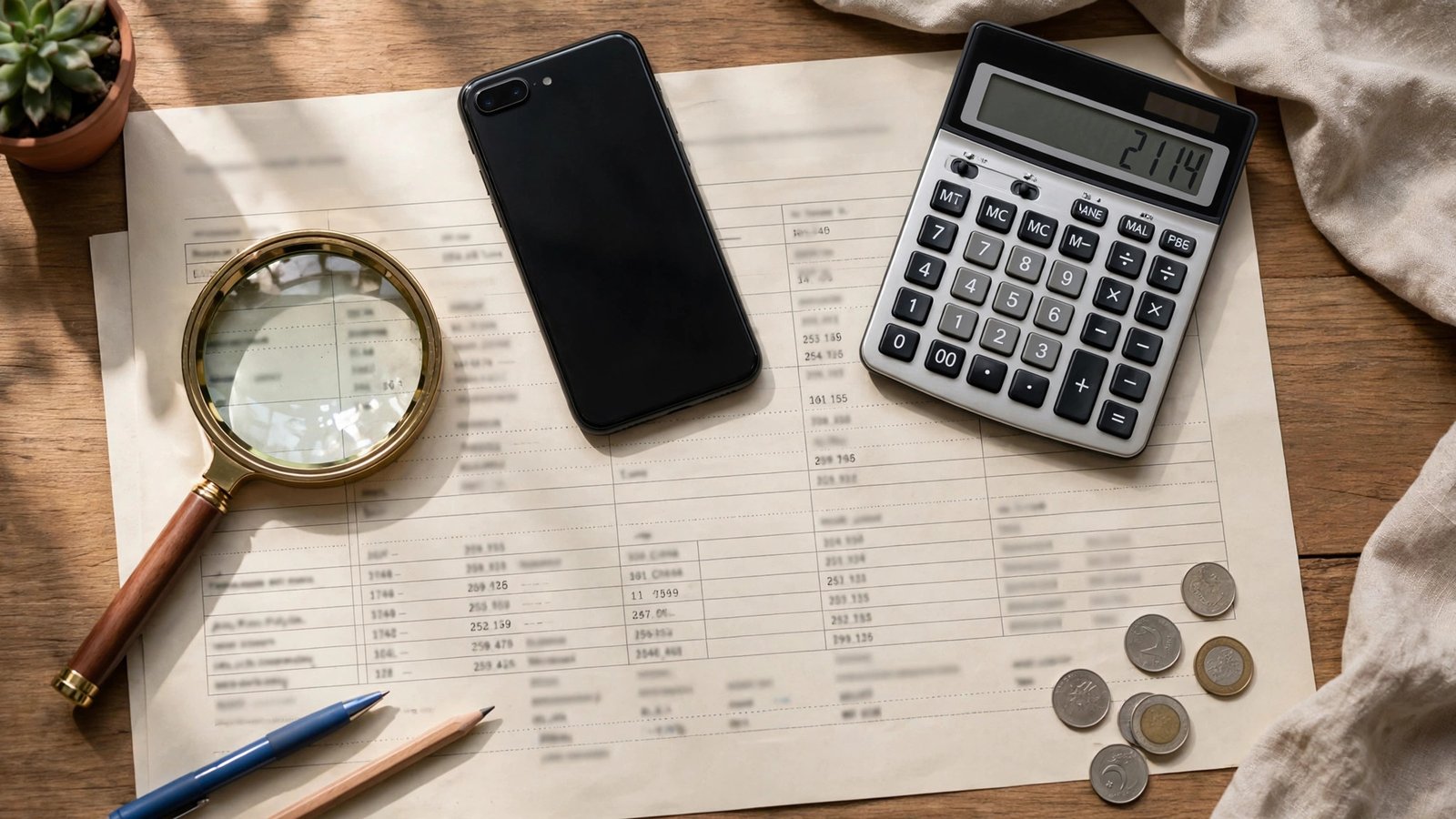
LESCO Bill Check Online 2026: Complete Guide
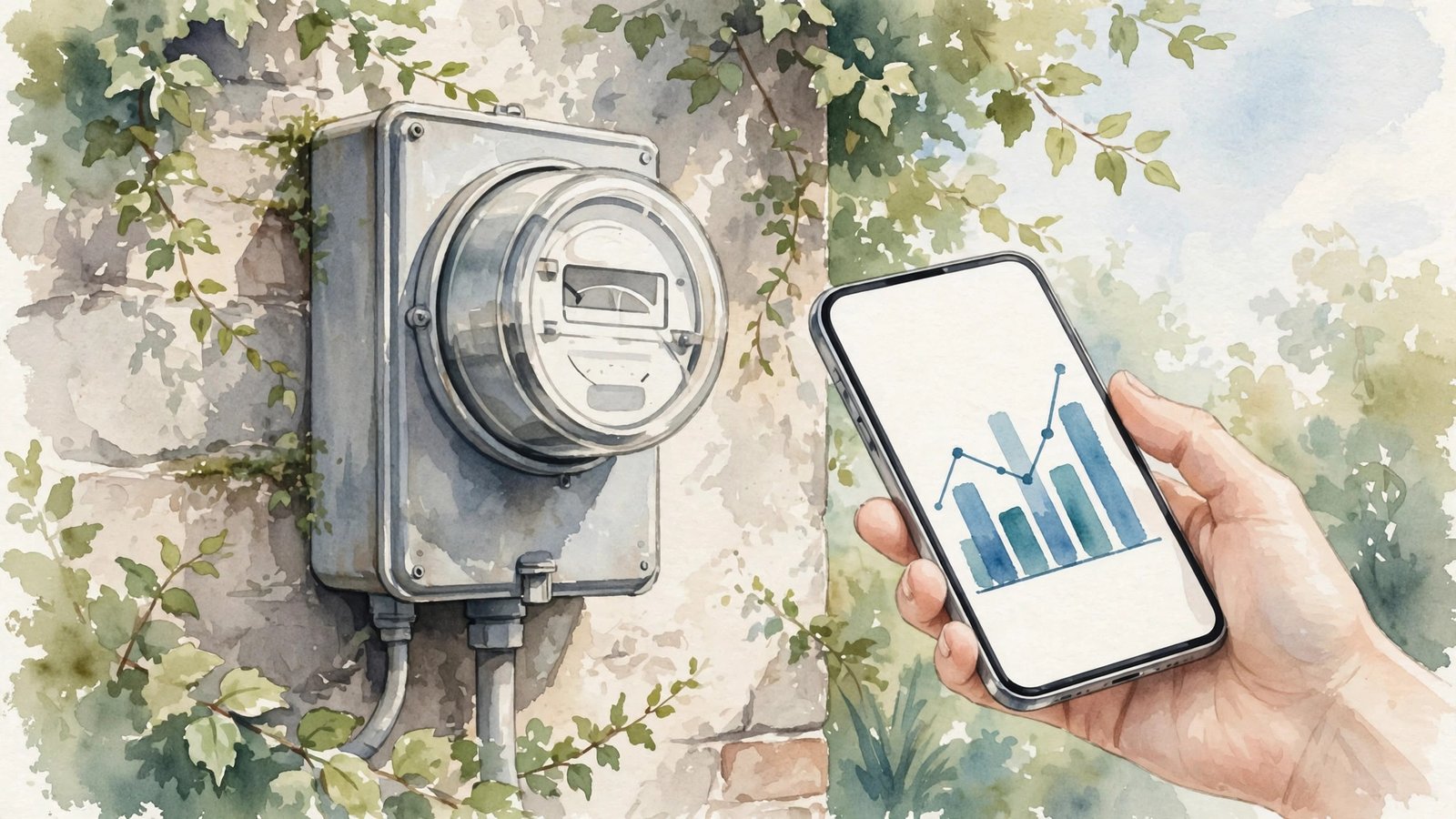
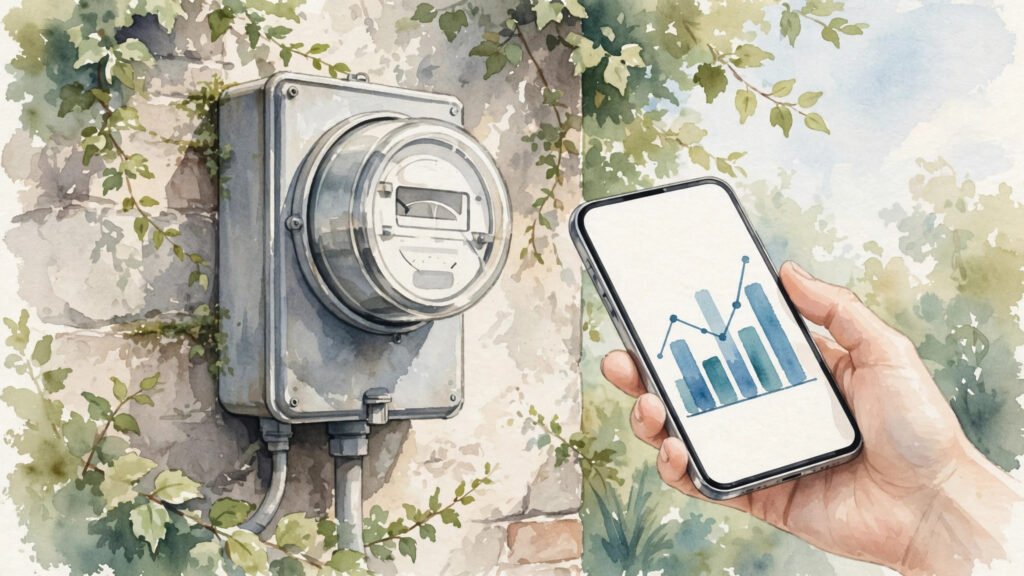
A LESCO bill check online is the fastest way to see your Lahore electricity bill: enter your 14-digit reference number or 7-digit customer ID on the official portal, and your current bill loads instantly with the payable amount, due date and units consumed. No login, app or signup is needed, and the same lookup works on any phone or computer in about a minute.
LESCO — the Lahore Electric Supply Company — serves Lahore and surrounding districts. This guide covers the official methods, duplicate bill download, previous-bill history and common fixes.
LESCO Bill Check: Official Step-by-Step Method
To check officially: (1) Find your 14-digit reference number or 7-digit customer ID on any old bill — the reference number sits near the barcode at the top, while the customer ID appears near your name and address. (2) Go to the official portal at lesco.gov.pk (or bill.lesco.gov.pk) and open the Bill Inquiry / Customer Menu section. (3) Enter the reference number (typed without spaces or dashes) or switch to the customer-ID tab and enter your customer ID. (4) Click check/process — your bill appears with the billing month, due date, meter reading, energy charges, taxes and total payable. (5) Click Print Bill or press Ctrl+P and choose “Save as PDF” for a duplicate copy.
The PITC portal at bill.pitc.com.pk offers the same lookup — select LESCO, enter the reference number and the bill loads. Both portals draw from LESCO’s billing database, so the figures are identical. If your paper bill was lost or never delivered, the duplicate you download is accepted at every bank, ATM, JazzCash, Easypaisa and LESCO office across the service area.
Previous Bills, Consumption History and Helpline
The logged-in portal also opens up to 12 months of billing and payment history — handy for tracking seasonal usage, verifying that an old payment was recorded, or investigating a sudden spike in units. The customer ID is permanent and never changes month to month, which makes it the handiest number for consumers who check often.
If you have lost both numbers, they can still be recovered: call the LESCO helpline at 118 with your CNIC, or visit your nearest subdivision office with a CNIC copy to retrieve the reference number. Do not share your reference number publicly, as it can be used to view your billing records.
Fixing Common Problems
When the portal returns “no record found”, the cause is almost always a mistyped digit — recheck the number directly against the physical bill rather than from memory, and do not confuse the reference number with the shorter meter number. A new connection shows no record until its first bill is uploaded, and checking on the wrong DISCO portal (for example MEPCO instead of LESCO) also returns nothing.
If the amount looks wrong, compare the meter reading printed on the bill with your actual meter before paying. Late payment attracts a surcharge of about 1.5% per month, so check your bill a few days before the due date. For consumers of other companies, see our general WAPDA electricity bill check guide, and for all-DISCO lookups read our electricity bill check online guide.
Frequently Asked Questions
How do I check my LESCO bill online?
You need only your 14-digit reference number or 7-digit customer ID on lesco.gov.pk or bill.pitc.com.pk — the bill loads instantly.
What is the difference between the reference number and customer ID?
The reference number is 14 digits and changes each billing cycle; the customer ID is shorter (around 7–11 digits) and stays permanent. Both work for a LESCO bill check.
Is a duplicate bill accepted as proof of address?
Yes. A duplicate from the official portal carries identical details to the mailed original and is widely accepted by banks and government offices.
Why does the lookup show no record?
Usually a mistyped digit, the wrong company’s portal, or a new connection whose first bill has not been uploaded yet.
What is the LESCO helpline number?
118. Keep your reference number or customer ID ready when you call for billing queries or complaints.
Sources: Dakaan LESCO bill check guide and CheckBill.online DISCO bill portal. Portal layouts change periodically — the reference-number method remains the official route.
Step-by-Step Walkthrough: LESCO Bill Check Online 2026: Complete Guide
Navigating government services is easier when you know the exact process. This walkthrough explains the lesco bill check from start to finish — the lesco bill check online registration 2026, how to use the lesco bill check check by cnic facility, the lesco bill check eligibility criteria, and the lesco bill check helpline number for help.
Lesco Bill Check Online Registration 2026
The lesco bill check online registration 2026 is designed to be completed from home. Keep your CNIC, a mobile number registered in your name, and any supporting documents ready before you begin. Fill in every field carefully — mismatched names or wrong CNIC digits are the most common reason applications get delayed. After submission, save or screenshot your tracking or reference number.
Using the Lesco Bill Check Check By Cnic Service
The lesco bill check check by cnic option lets you verify your status quickly. Enter your 13-digit CNIC number without dashes and wait for the confirmation message. If the record shows an error, do not panic — visit the nearest facilitation centre with your original documents for correction. Never share your CNIC details with unauthorised agents who promise faster processing for a fee.
Lesco Bill Check Eligibility Criteria
Before applying, review the lesco bill check eligibility criteria. Most programmes require Pakistani citizenship, a valid CNIC, and household or income conditions that match the scheme’s target group. Government employees and income-tax filers above certain thresholds are typically excluded from welfare schemes. Meeting the criteria at the time of application matters more than meeting them later.
Lesco Bill Check Helpline Number
If anything goes wrong, the lesco bill check helpline number connects you to official support. Helplines operate during working hours and can guide you on application status, document requirements and complaint registration. Keep your reference number handy when you call — it speeds up the process considerably.
Common Mistakes to Avoid
- Applying through fake websites that mimic official portals.
- Paying agents for services that are officially free.
- Ignoring SMS confirmations and missing follow-up steps.
- Submitting expired or mismatched documents.
Related Posts
 How-ToNADRA CNIC Guide: Fee, Renewal Process and Tracking
 How-ToHow to Apply for Passport in Pakistan 2026: Step-by-Step
 How-ToHow to Check PTA Tax on Mobile 2026: Step-by-Step
 How-ToHow to Register Mobile with PTA 2026: Step-by-Step Guide
 How-ToHow to File Income Tax Return in Pakistan 2026: Step-by-Step
 How-ToHow to Pay Electricity Bill Online in Pakistan 2026
Most Popular
 How-ToPTA Tax Calculator 2026: Check Mobile Tax on Any Phone324 views
 SportsUEFA Champions League 2026-27: Format, Teams and Schedule313 views
 SportsBallon d’Or 2026: London Ceremony, Nominees and All-Time Records Ahead of 70th Anniversary308 views
 Canada JobsTech Jobs in Canada: Roles, Salaries, and Skills Needed293 views
 Pakistan NewsPIA Boeing 787 Lease Deal: What It Means for the Airline292 views
 TechnologyRedmi K100 Launching on 28 October: 10,000mAh Battery, 185Hz Display and Full Specs286 views