How to Pay Electricity Bill Online in Pakistan 2026
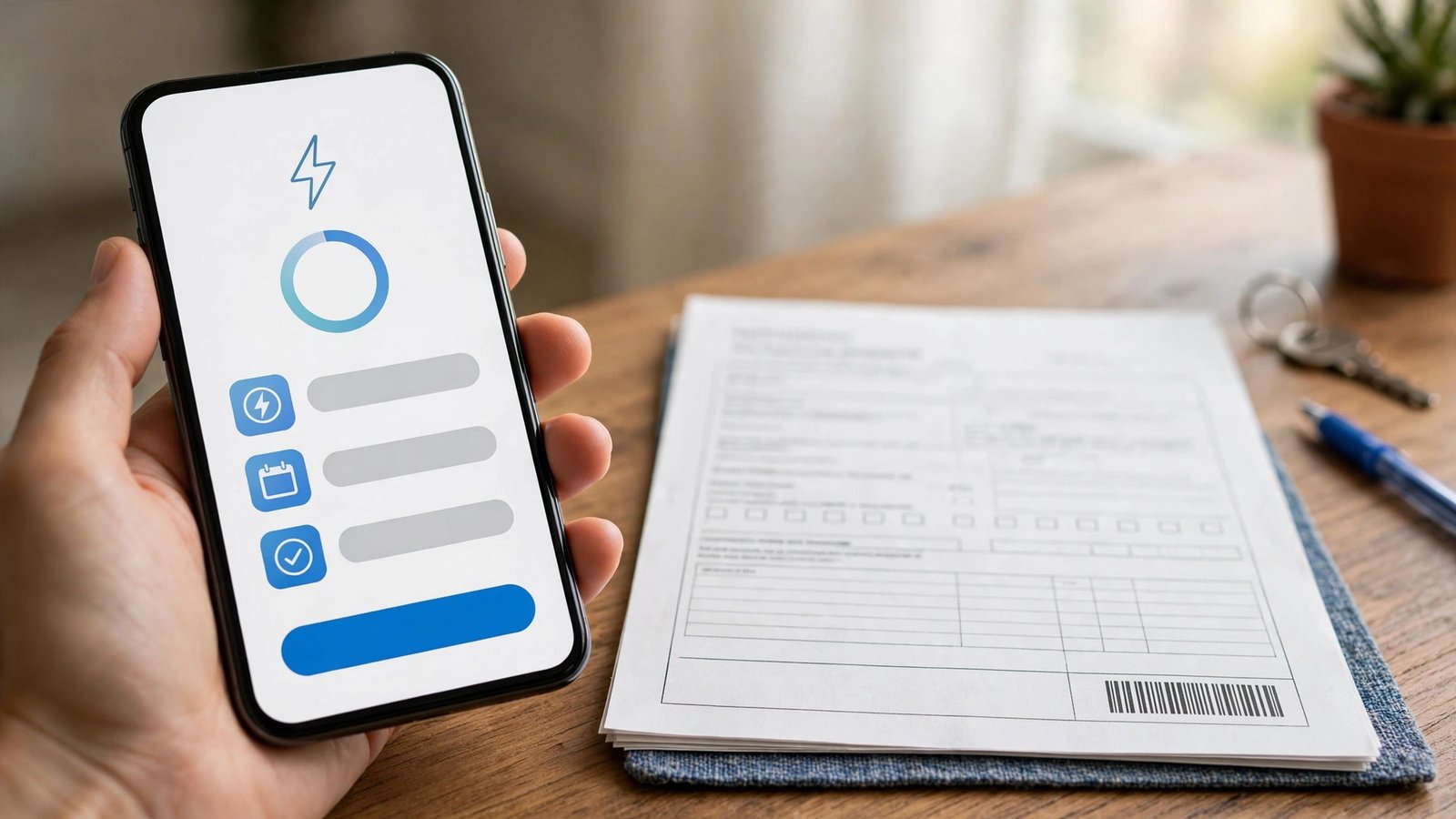
Long queues at banks and utility offices are a thing of the past once you learn how to pay electricity bill online in Pakistan. Whether your bill comes from LESCO, MEPCO, FESCO, IESCO, GEPCO, PESCO, HESCO, SEPCO or K-Electric, you can pay in under a minute using your phone — through Easypaisa, JazzCash, any major bank app, an ATM or even a neighbourhood agent. This guide covers every method, the 14-digit reference number system, due-date tips and troubleshooting.
How to Pay Electricity Bill Online with Easypaisa
The most popular answer to how to pay electricity bill online is a mobile wallet. In the Easypaisa app: log in with your PIN, tap Bill Payments, select Electricity, choose your DISCO (LESCO, MEPCO, FESCO and so on) from the company list, enter your 14-digit reference number, review the amount and due date shown on screen, and confirm payment. Easypaisa sends a confirmation SMS with a transaction number and logs the payment in your in-app history — both work as valid receipts. The bill-payment service is free for customers; only heavy users (more than 10 bills a month) may see small monthly fees.
Paying with JazzCash
JazzCash follows a nearly identical flow. Open the JazzCash app, tap Bill Payment or Utility Bills, select Electricity, choose your DISCO, enter the 14-digit reference number, review the fetched bill details and confirm with your MPIN. You get an in-app receipt plus an SMS with a transaction ID — screenshot it as proof until the payment reflects on your next bill. If your Jazz number is not registered for JazzCash, the app walks you through a one-time CNIC signup. No smartphone? Dial *786# from a Jazz SIM for the USSD menu, or visit any authorised JazzCash agent with your reference number and cash.
Paying Through Bank Apps, Internet Banking and ATMs
Every major bank in Pakistan supports electricity bill payment. In your bank’s mobile app (HBL, UBL, MCB, Meezan, Allied, Bank Alfalah and others), go to Bill Payments or Utilities, select Electricity, choose your DISCO, enter the reference number and authorise the payment. Internet banking on your bank’s website works the same way. At an ATM, insert your card, select Bill Payment, enter the reference number and confirm. For a wider view of bills and tariffs, see our electricity bill Pakistan 2026 guide and our LESCO bill check walkthrough.
Important Tips: Due Dates, Receipts and Late Charges
Before you pay your bill online, note these rules: the 14-digit reference number is printed on your paper bill and never changes for your connection; always check the due date to avoid late-payment surcharges, which appear as after-due-date charges; and always save your transaction receipt. If an app is down for maintenance on the due date, keep a backup option ready — having both Easypaisa and JazzCash installed has saved many people from last-day panic. Payment failures usually trace to an incorrectly entered reference number or insufficient balance, so double-check both.
FAQs: Online Bill Payment
Q1: What is the reference number on an electricity bill?
A1: A 14-digit number printed on your bill that identifies your connection. It stays the same every month and is required for all online payments.
Q2: Is there a fee for paying electricity bills online?
A2: Easypaisa offers free bill payments for customers, and most bank apps charge nothing extra. Small service charges may apply for agents or very high bill counts — always read the confirmation screen before approving.
Q3: Can I pay my K-Electric bill online too?
A3: Yes. K-Electric bills in Karachi are supported on Easypaisa, JazzCash and bank apps, with the same reference-number process as other DISCOs.
Q4: What should I do if the payment goes through but the bill still shows unpaid?
A4: Keep your transaction ID and SMS receipt. Payments usually reconcile within a few hours to a day; if the amount does not reflect, contact the wallet or bank helpline with the transaction ID.
Q5: Can I pay someone else’s electricity bill online?
A5: Yes. You only need their 14-digit reference number — knowing how to pay electricity bill online lets you clear bills for family members from anywhere.
Read this Easypaisa and JazzCash bill payment guide and this MEPCO bill payment walkthrough for more detail.
How to Pay Electricity Bill Online: Step-by-Step FAQs
Learning how to pay electricity bill online saves trips to banks and avoids late-payment surcharges. This guide covers every method to pay electricity bill online pakistan consumers can use.
What are the online payment options?
To pay electricity bill online pakistan wide, you can use internet banking, mobile banking apps, or wallets. All you need is the 14-digit reference number from any previous bill — no registration required for one-off payments.
How do I pay my LESCO bill online?
Lesco bill payment online works through any bank’s bill-payment section: select LESCO, enter the reference number, verify the amount and consumer name, and confirm. Save the transaction receipt until the payment reflects.
Can I pay with JazzCash or Easypaisa?
Electricity bill jazzcash easypaisa payments are among the most popular methods — open the wallet app, choose bill payment, select your DISCO, and enter the reference number. Both wallets send instant SMS confirmation.
Which app is best for bill payments?
To pay bijli bill via app, your own bank’s app is usually fastest, while wallets suit the unbanked. Set a monthly reminder a week before the due date — late surcharges are steep and entirely avoidable with how to pay electricity bill online know-how.
More Online Bill Payment Tips
What if my online payment doesn’t reflect?
Learning how to pay electricity bill online includes knowing the fallback: if a lesco bill payment online or any DISCO payment doesn’t reflect within 24 hours, keep the transaction ID and contact your bank first, then the DISCO helpline. Electricity bill jazzcash easypaisa payments usually reflect instantly. To pay electricity bill online pakistan wide without stress, pay at least three days before the due date, and use your bank’s app to pay bijli bill via app with saved reference numbers for one-tap future payments.
Related Posts
 How-ToNADRA CNIC Guide: Fee, Renewal Process and Tracking
 How-ToHow to Apply for Passport in Pakistan 2026: Step-by-Step
 How-ToHow to Check PTA Tax on Mobile 2026: Step-by-Step
 How-ToHow to Register Mobile with PTA 2026: Step-by-Step Guide
 How-ToHow to File Income Tax Return in Pakistan 2026: Step-by-Step
 How-ToHow to Apply for Driving Licence in Pakistan 2026
Most Popular
 How-ToPTA Tax Calculator 2026: Check Mobile Tax on Any Phone324 views
 SportsUEFA Champions League 2026-27: Format, Teams and Schedule313 views
 SportsBallon d’Or 2026: London Ceremony, Nominees and All-Time Records Ahead of 70th Anniversary308 views
 Canada JobsTech Jobs in Canada: Roles, Salaries, and Skills Needed293 views
 Pakistan NewsPIA Boeing 787 Lease Deal: What It Means for the Airline292 views
 TechnologyRedmi K100 Launching on 28 October: 10,000mAh Battery, 185Hz Display and Full Specs286 views