WhatsApp scheduled messages are finally rolling out, giving users a built-in way to write a message now and have it delivered later — even if their phone is offline at the chosen time. The Meta-owned messaging app teased the feature on its official X account on 25 November, and the rollout has now begun for individual chats and group chats alike.
The feature has been one of WhatsApp’s most requested additions for years. Until now, anyone who wanted a message to land at a specific moment had to set a reminder and send it manually, or rely on third-party tools. With WhatsApp scheduled messages, that planning happens inside the app itself, with no extra apps involved.
How WhatsApp scheduled messages work
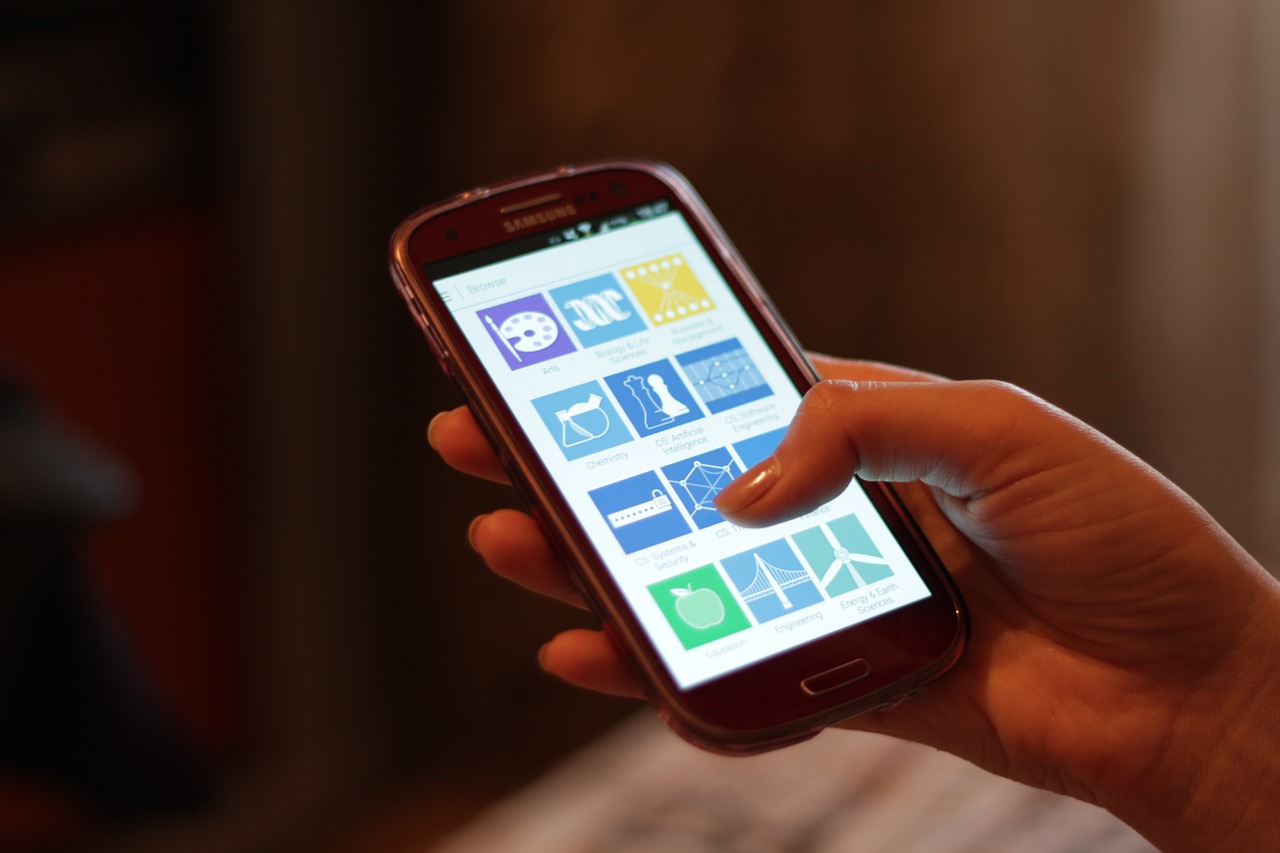
Scheduling a message takes only a few taps. Open an individual or group chat, type your message or attach media, then long-press the send button instead of tapping it. WhatsApp then lets you pick the date and time for delivery.
With WhatsApp scheduled messages, the available window reportedly runs from 10 minutes to two weeks ahead. That range covers the most common uses: a birthday wish timed for midnight, a work update set for the start of the office day, or a reminder to a family group later in the week.
Scheduled messages support text, links, photos and videos, and they stay protected by WhatsApp’s end-to-end encryption, just like ordinary messages. Documents do not appear to be supported in the rollout so far. Once the time is set, delivery is automatic — the sender does not need to keep WhatsApp open, or even keep the phone connected to the internet, when the scheduled moment arrives.
The two-week limit also keeps the feature focused. It is designed for near-term planning rather than long-range automation, so a message set today can be timed for an event this week or next, but not months in advance.
Managing scheduled messages and the group rule

Plans change, and WhatsApp has built in a way to adjust. Pending WhatsApp scheduled messages are listed in a dedicated section of the chat information screen, where they can be reviewed before delivery. Deleting one does not notify the recipient, because the message has not entered the conversation yet.
Group chats follow one specific rule. A scheduled group message is delivered only to people who were members of the group when it was scheduled. Anyone who joins the group afterwards will not receive that earlier scheduled message.
The public rollout follows months of testing. The feature first reached select Android beta users on 12 October and iOS beta testers on 22 October, before this week’s wider release. For creators, professionals and community managers, a native scheduler also removes the need for separate third-party scheduling tools.
Availability: who gets WhatsApp scheduled messages first
Not every account has the WhatsApp scheduled messages option yet. The feature is being enabled in phases, and it has been verified working for some users while others still do not see it. If long-pressing the send button does not bring up a scheduling option, the feature has not reached your account yet, and the only step is to wait for the rollout to arrive.
For users in Pakistan, where 100 million people use WhatsApp for daily messaging, a built-in scheduler is a practical upgrade. It joins a run of recent WhatsApp changes covered by UrduPro, including the usernames rollout and the hide your phone number privacy setting, as the app keeps adding controls that users have asked for over years.
WhatsApp has not published a full rollout timetable, so availability will differ from account to account in the coming days. The long-press check is the quickest way to confirm whether the feature has arrived on your phone.
Sources: Gadgets 360, Adgully.
Related Posts
 TechnologyKarachi Safe City Cameras Trace 1,631 Stolen Vehicles in 10 Months
 TechnologyZeeshan Ali Tiangong Boarding Makes History as First Foreign Astronaut Enters China’s Space Station
 TechnologyHuawei Convicted in US: Jury Finds Tech Giant Stole Trade Secrets and Broke Iran Sanctions
 TechnologyAlibaba Super App Pakistan: Government Services to Come Together on One Platform
 TechnologyPakistan Cyber Police Proposal: Shehbaz Orders Fast-Track NCCIA Restructuring
 TechnologySecond Supermoon of 2026 Lights Up Pakistan’s Skies as Beaver Moon Reaches Full Phase
Most Popular
 How-ToPTA Tax Calculator 2026: Check Mobile Tax on Any Phone421 views
 Pakistan NewsPIA Boeing 787 Lease Deal: What It Means for the Airline398 views
 Canada JobsTech Jobs in Canada: Roles, Salaries, and Skills Needed395 views
 SportsUEFA Champions League 2026-27: Format, Teams and Schedule391 views
 TechnologyPM Shehbaz Sets November Deadline for Alibaba AI and Digitalisation Projects in Pakistan372 views
 ShowbizWomen’s Fashion in Pakistan 2026: Trends, Brands and Style Guide366 views