NADRA Online 2026: Apply for CNIC, NICOP and FRC
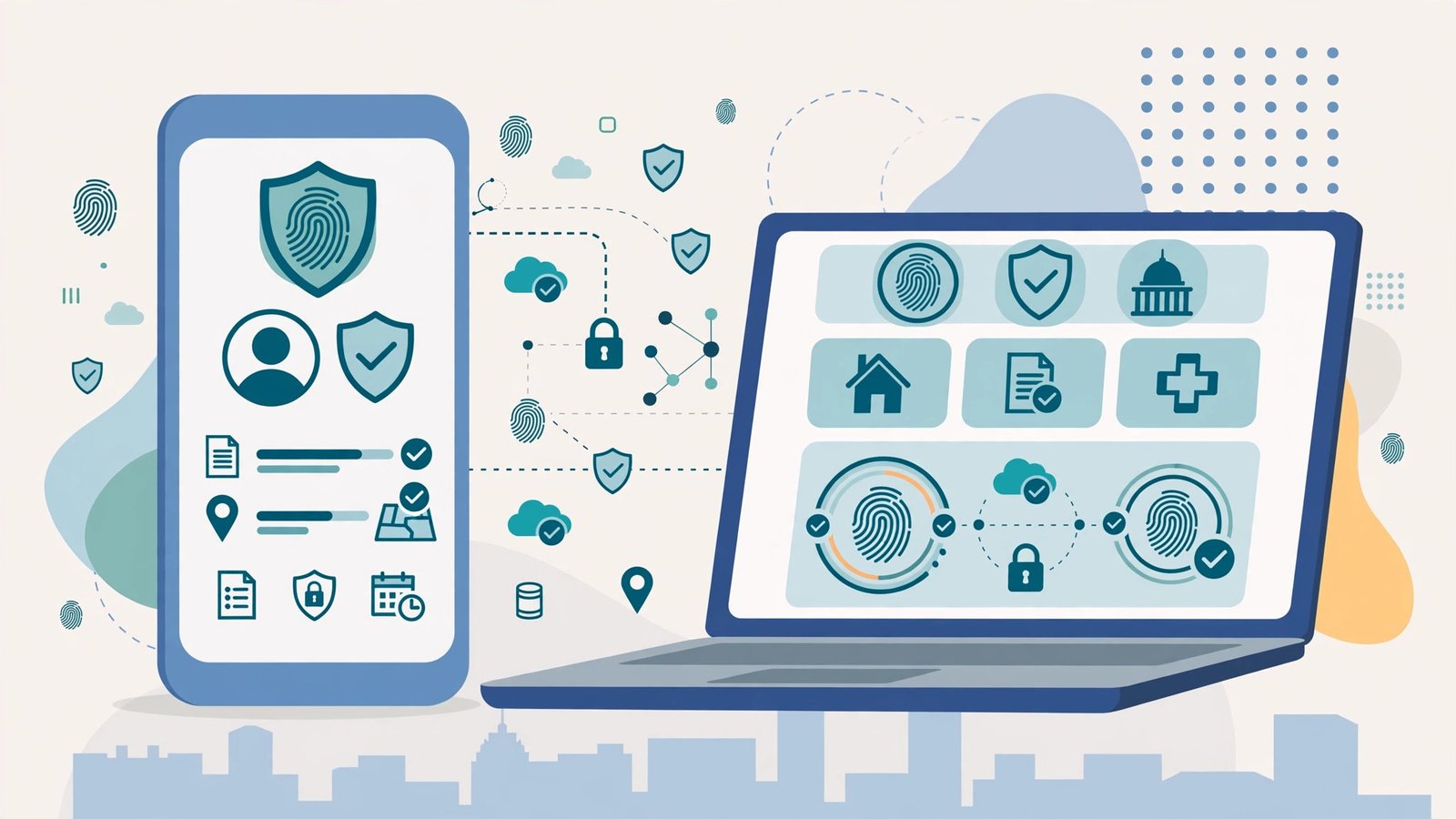
The NADRA Online portal and the Pak Identity mobile app have changed how Pakistanis get their identity documents. Instead of queueing at a registration centre, you can now submit most applications from your phone, complete biometric verification with your camera, pay digitally and track everything online. This guide explains the NADRA Online services available in 2026, how to use them, and what each service costs.
NADRA Online Services You Can Use
Most applicants begin their online journey with one of the core identity services. The portal currently supports CNIC applications for adults, the National Identity Card for Overseas Pakistanis (NICOP), the Family Registration Certificate (FRC), the Child Registration Certificate (B-Form), and the Pakistan Origin Card for foreign nationals of Pakistani origin. You can choose new applications, renewals, modifications and duplicate requests through the same interface.
How to Apply Through the Pak Identity App
Start by downloading the Pak Identity app or visiting the NADRA online portal and creating an account with your CNIC number and mobile number. Select the service you need, fill in the application form carefully, and upload clear scans of the required documents. With the online system, biometric verification happens through your phone camera, which captures your fingerprints and photograph without a centre visit. Pay the fee using a credit or debit card, JazzCash or Easypaisa, and save the application tracking ID you receive.
Fees and Payment Options
One reason the online service is popular is that the official fee slabs are the same whether you apply online or at a centre. A first-time CNIC is free under Normal processing, while renewals and modifications cost Rs 400 normal, Rs 1,150 urgent and Rs 2,150 executive. NICOP fees are charged in US dollars by zone, and the FRC costs Rs 1,000 for one family type or Rs 2,000 for both. Always confirm the exact amount shown in the app before paying, because NADRA revises its fee schedule from time to time.
How to Track Your Application
Every NADRA Online application generates a tracking ID that you can follow on your Pak ID dashboard. For card applications you can also send the tracking ID by SMS to 8484. Remember that the processing timeline starts only after your fee payment is accepted and your application is complete, so an application sitting unpaid does not move forward. If your case stalls, the NADRA helpline 1777 can check it with your tracking ID.
Read more: NADRA CNIC Guide: Fee, Renewal Process and Tracking. Overseas readers should see How to Apply for NICOP Online.
Tips for a Smooth Online Application
Scan your documents in good light and make sure every corner of each page is visible, because blurry uploads are the most common reason for rejection. Use the same mobile number across your application and payment method so verification messages reach you without delay. If the app camera struggles with your fingerprints, try again in bright daylight with clean, dry hands. Never share your Pak Identity login details with anyone, and ignore agents who promise faster approval for extra money. If you get stuck, the step-by-step help screens inside the app cover most cases, and the helpline 1777 handles the rest.
Frequently Asked Questions
What documents do I need for a NADRA Online application?
You need scanned copies of your existing identity documents, a recent photograph, and supporting papers such as a birth certificate or Nikah Nama depending on the service. The app tells you exactly which documents your case requires.
Is biometric verification really done at home?
Yes, for many application types the app performs camera-based fingerprint and facial capture. Some cases still require a short visit to an embassy, consulate or NADRA centre.
Can overseas Pakistanis use the portal?
Yes. Overseas Pakistanis can log in with their NICOP and complete most applications, including renewals and the FRC, without travelling to Pakistan.
How do I pay the fee online?
The portal accepts credit and debit cards, JazzCash, Easypaisa and bank transfers. A payment receipt is issued immediately after a successful transaction.
What if my application is rejected?
Check your dashboard message for the reason, fix the document or data issue, and resubmit. Calling the helpline 1777 with your tracking ID gets you the exact correction needed.
External references: How to Apply for a NICOP Online and Overseas Pakistani CNIC Renewal Online 2026.
Step-by-Step Walkthrough: NADRA Online 2026: Apply for CNIC, NICOP and FRC
Navigating government services is easier when you know the exact process. This walkthrough explains the nadra online from start to finish — the nadra online online registration 2026, how to use the nadra online check by cnic facility, the nadra online eligibility criteria, and the nadra online helpline number for help.
Nadra Online Online Registration 2026
The nadra online online registration 2026 is designed to be completed from home. Keep your CNIC, a mobile number registered in your name, and any supporting documents ready before you begin. Fill in every field carefully — mismatched names or wrong CNIC digits are the most common reason applications get delayed. After submission, save or screenshot your tracking or reference number.
Using the Nadra Online Check By Cnic Service
The nadra online check by cnic option lets you verify your status quickly. Enter your 13-digit CNIC number without dashes and wait for the confirmation message. If the record shows an error, do not panic — visit the nearest facilitation centre with your original documents for correction. Never share your CNIC details with unauthorised agents who promise faster processing for a fee.
Nadra Online Eligibility Criteria
Before applying, review the nadra online eligibility criteria. Most programmes require Pakistani citizenship, a valid CNIC, and household or income conditions that match the scheme’s target group. Government employees and income-tax filers above certain thresholds are typically excluded from welfare schemes. Meeting the criteria at the time of application matters more than meeting them later.
Nadra Online Helpline Number
If anything goes wrong, the nadra online helpline number connects you to official support. Helplines operate during working hours and can guide you on application status, document requirements and complaint registration. Keep your reference number handy when you call — it speeds up the process considerably.
Common Mistakes to Avoid
- Applying through fake websites that mimic official portals.
- Paying agents for services that are officially free.
- Ignoring SMS confirmations and missing follow-up steps.
- Submitting expired or mismatched documents.
Related Posts
 How-ToNADRA CNIC Guide: Fee, Renewal Process and Tracking
 How-ToUmrah Visa 2026: Requirements, Cost and How to Apply
 How-ToZiarat Packages from Pakistan 2026: Iran and Iraq Guide
 How-ToDomicile Certificate 2026: How to Apply and Fees
 How-ToNADRA 2026: Services, Fees and Online Appointment Guide
 How-ToPakistan Railway Online Booking 2026: Train Timings Guide
Most Popular
 How-ToPTA Tax Calculator 2026: Check Mobile Tax on Any Phone144 views
 Canada JobsTech Jobs in Canada: Roles, Salaries, and Skills Needed117 views
 TechnologyRedmi K100 Launching on 28 October: 10,000mAh Battery, 185Hz Display and Full Specs111 views
 TechnologyTecno Mobile Prices in Pakistan 2026: Spark, Camon and Pova Series Compared110 views
 ShowbizWomen’s Fashion in Pakistan 2026: Trends, Brands and Style Guide97 views
 BISPPunjab Driving License Scam Alert: Fake Websites & “Without Test” Fraud | UrduPro94 views