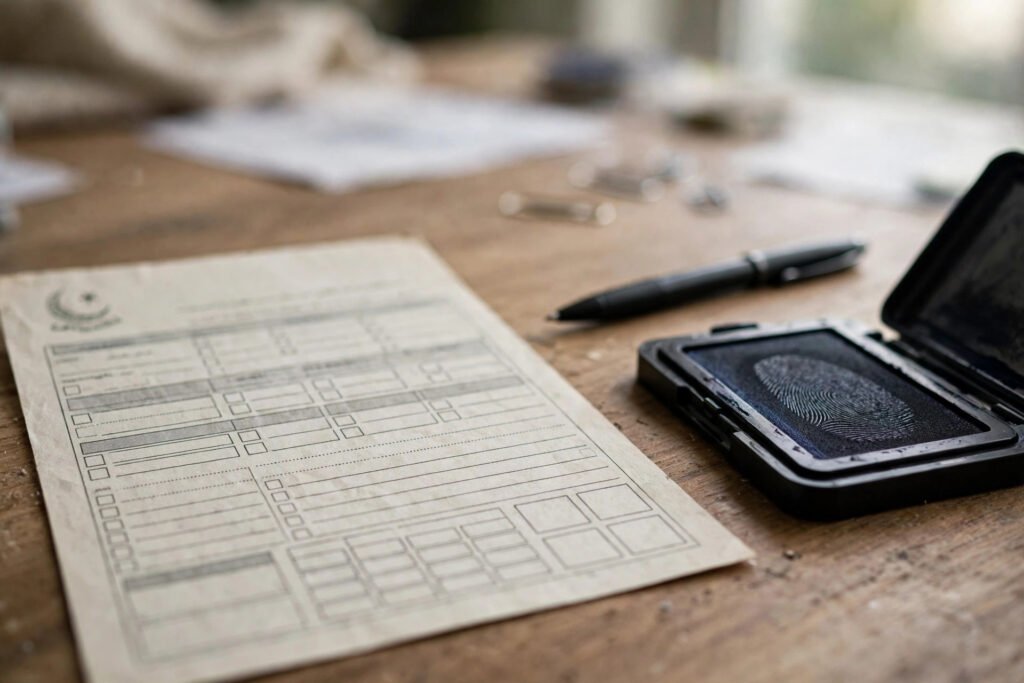
NADRA NICOP Apply Online: Complete Guide
How to Apply for NICOP Online: Complete NADRA Guide
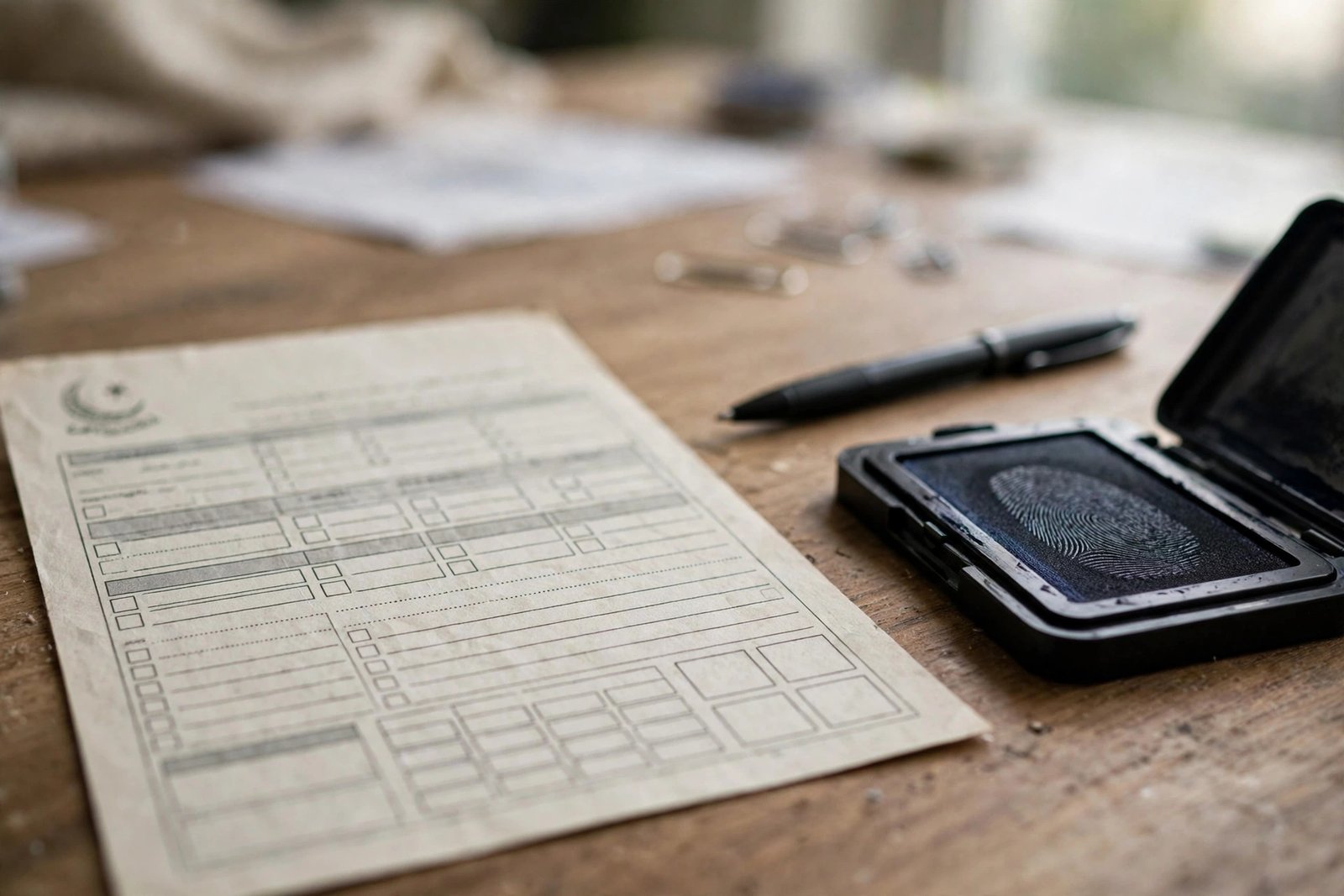

If you are a Pakistani living abroad, you have probably heard of the NICOP. This guide explains how to apply for NICOP online through NADRA’s official portal — what the card is, who needs it, which documents to prepare, the step-by-step application process, the fee categories, and how to track delivery. Everything here refers to NADRA’s official channels, so you can avoid agents and unofficial websites that charge extra for what you can do yourself.
What Is NICOP and Who Needs It?
NICOP stands for National Identity Card for Overseas Pakistanis. It is a registration document issued by NADRA to Pakistani citizens who live abroad. It serves as proof of Pakistani identity and citizenship while you are outside the country, and it is recognized for identification purposes in Pakistan as well. You need a NICOP if you are a Pakistani citizen residing overseas — including dual nationals — and want an official identity document that reflects your overseas status. It is commonly required for matters like opening bank accounts in Pakistan, property transactions, passport applications, and proving your identity to Pakistani authorities. Children of Pakistani citizens born abroad can also be registered for a NICOP. The card is distinct from the regular CNIC issued to residents, so if you move abroad permanently, switching to a NICOP keeps your NADRA record accurate.
Documents Required
Before starting your application, gather the following. Requirements can vary slightly by case (first-time, renewal, or child registration), so confirm the current list on NADRA’s official website:
- Proof of Pakistani citizenship: Your existing CNIC/NICOP, or your parents’ documents for a child’s first application.
- Passport: A valid Pakistani or foreign passport, depending on your situation.
- Proof of overseas residence: Documents such as a foreign residence permit, visa, or utility bill showing your address abroad.
- Photograph: A recent passport-style photograph meeting NADRA’s specifications.
- Fingerprints: NADRA provides guidance on capturing fingerprints at home for online applications, or you can visit a NADRA center or embassy.
- Supporting documents: Marriage certificate or birth certificate where relevant (for example, for a spouse or child application).
Scan or photograph each document clearly — blurry uploads are one of the most common reasons applications get delayed.
Step-by-Step: Apply Online via NADRA’s Portal
- Go to NADRA’s official website at nadra.gov.pk and find the online NICOP application section (the Pak-ID/NADRA online application portal).
- Create an account with your email address and verify it.
- Select the NICOP application option and choose your application type — new, renewal, or reprint/modification.
- Fill in the application form carefully, matching the details on your supporting documents exactly.
- Upload clear scans of all required documents, your photograph, and fingerprints as instructed.
- Review the fee for your chosen processing category (see below) and pay online by debit/credit card.
- Submit the application and save your application tracking number.
Double-check every field before submitting. Small mismatches between your form and your documents — a misspelled name, a wrong date of birth — are the top cause of processing delays.
Fee Categories
NADRA offers different processing speeds for NICOP applications, typically a normal category and one or more urgent/priority categories, each with its own fee. Fees differ for applicants in different regions and can be revised by NADRA from time to time. Do not rely on fee amounts quoted on unofficial websites — always check the current fees on NADRA’s official website before paying. The portal displays the exact fee for your selected category during the application process, so you will see the correct amount before you enter any payment details.
Tracking and Delivery
After submission, you can track your application’s progress using the tracking number on NADRA’s official website. Processing times depend on the category you selected and on whether your documents pass verification without issues. Once printed, the card is dispatched to the mailing address you provided — make sure the address is complete and accurate, including postal code, since international delivery depends on it. If tracking shows no movement for an extended period, or if you receive a query from NADRA about your documents, respond promptly through the official portal rather than through third parties.
Applying for a NICOP online is a straightforward process when you prepare your documents in advance and use only NADRA’s official channels. To apply for NICOP online safely, stick to nadra.gov.pk, verify current fees there, and keep your tracking number until the card is in your hands.