NADRA NIC Verification Online: Complete 2026 Guide
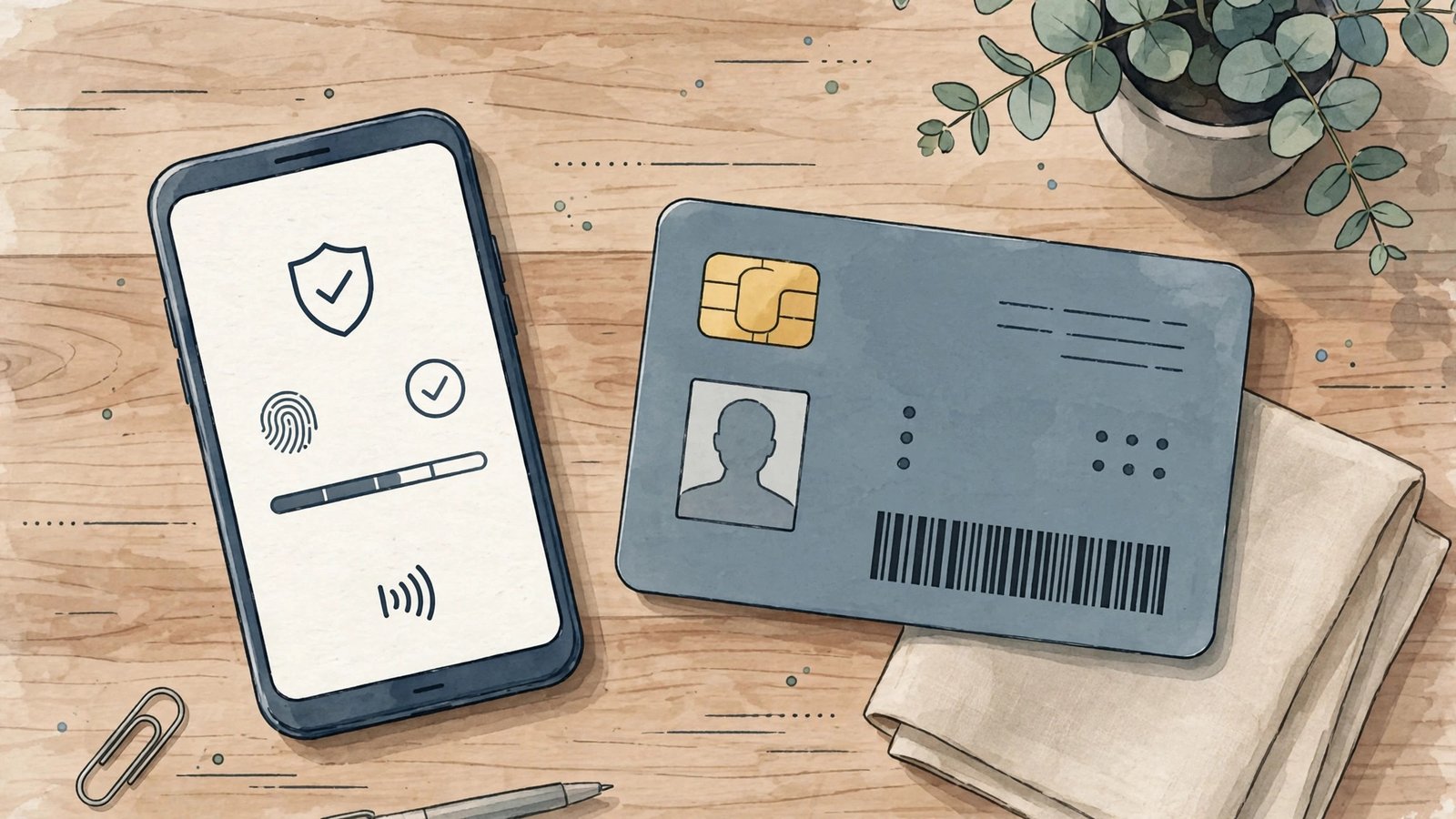
Whether you are hiring an employee, renting out a property or simply confirming that your own identity card is genuine, NADRA NIC verification is the official way to authenticate a National Identity Card in Pakistan. In 2026, NADRA offers several quick channels — from a simple SMS to 7000 to the Pak-ID web portal — that let citizens and organisations confirm the validity of a CNIC in minutes. This guide walks you through every method, the charges involved, and the precautions you must take, based on information checked on 15 October 2026.
NADRA NIC Verification: What It Is and Why It Matters
This official check confirms whether a Computerised National Identity Card is genuine, active and issued by NADRA’s national database. Employers routinely use it before hiring, banks use it during account opening, landlords use it before signing a tenancy, and individuals use it to detect fake cards that fraudsters create for scams. Because NADRA acts as the root authority for identity validation in Pakistan, a successful verification is accepted as proof of identity validity across government and private institutions. It is important to understand that verification tells you the card is real — it does not replace a full background check, but it is the essential first step against identity fraud.
Method 1: Verify by SMS to 7000
The fastest verification method is the official SMS short code. Open your messaging app, type the 13-digit CNIC number without dashes or spaces, and send it to 7000. Within moments you will receive a reply from NADRA confirming the cardholder’s name and father’s name, along with the card’s validity status. This service works from any mobile network in Pakistan and costs around Rs 10 to Rs 12 per message including taxes, as of 15 October 2026. It is commonly used for quick checks in telecommunications, online purchases and employment screening. Because anyone can verify any card through this channel, be careful never to post your own CNIC number publicly — on Facebook groups or elsewhere — as strangers could misuse it.
Method 2: Verify Through the Pak-ID Portal
For a more detailed check, use NADRA’s Pak-ID portal at id.nadra.gov.pk. After registering with your CNIC number and a one-time password, you can view your complete record — name, photograph, address, family tree and application history. This method is free and is especially useful if you want to confirm every detail on your own card, spot errors in your NADRA record, or track an application. Organisations that perform verifications frequently can also use institutional services such as NADRA’s Verisys, although Verisys is licensed only to banks, telecom operators and similar institutions, not to private websites or individuals. If you are also dealing with a new card application, our NADRA online services guide explains how to apply, renew and track your CNIC through the same portal.
Method 3: e-Sahulat Centres and Tracking IDs
If you prefer in-person identity verification, visit any NADRA e-Sahulat centre with the CNIC number you wish to verify; staff will confirm its authenticity from the national data warehouse. Two related short codes are worth knowing: send your 10-digit application tracking ID to 8400 to check whether a new CNIC application is in process, printed or dispatched, and send your 13-digit CNIC to 8300 to confirm voter registration status and polling station. Note the distinction — 8400 tracks applications, 7000 verifies cards. For fee structures and renewal steps, see our NADRA CNIC guide, which covers renewal fees and processing categories for 2026.
Safety Rules for CNIC Verification
Only use official NADRA channels for this verification. No private website or app can show another person’s CNIC details with a photograph — sites claiming to do so are not authorised by NADRA and may be harvesting your data. Never share your CNIC number on social media, in comment sections or with unofficial helplines. NADRA’s own helpline is 051-111-786-100, and the SIM-registration audit code 668 is a separate PTA service, not a NADRA verification tool. If verification shows that your card is blocked or suspended, visit your nearest NADRA Registration Centre with original documents to have the record corrected.
FAQs
What is the SMS code for CNIC verification? Send your 13-digit CNIC number without dashes to 7000. You will get a reply with the holder’s name and father’s name.
How much does the SMS verification cost? The SMS to 7000 costs around Rs 10 to Rs 12 including taxes per message. Portal checks at id.nadra.gov.pk are free.
Can I verify someone else’s CNIC? Yes, the 7000 SMS service can verify any CNIC number, which is why you should keep your own CNIC number private.
What is the difference between 7000 and 8400? 7000 verifies an existing card’s validity; 8400 tracks a new application’s progress using the 10-digit tracking ID.
Is there a free way to verify my CNIC? Yes — register on the Pak-ID portal at id.nadra.gov.pk and view your complete record at no charge.
External resources: the complete NADRA and public verification SMS services guide for 2026 lists every official short code, and this NADRA CNIC status overview summarises the 7000, 8300, 8400 and 668 services with current costs.
Quick Guide: NADRA NIC Verification
NADRA NIC verification confirms identity details against the national database. The nadra online verification portal handles record checks, while the nic verification sms 7000 service verifies mobile SIM ownership. NADRA family tree verification is available at NADRA centres for inheritance and legal matters, and basic check cnic details online services help confirm name spellings and addresses. Always use official NADRA channels — third-party sites asking for CNIC data risk misuse of your NADRA NIC verification information.
When verification is required
NADRA NIC verification is commonly needed for bank account opening, SIM registration, passport applications and property transfers. Keep your CNIC details updated through NADRA NIC verification centres to avoid mismatches that delay these processes.
Related Posts
 How-ToCNIC Verification 2026: Check NADRA Records Online and by SMS
 How-ToPakistan Railway 2026: Train Timings, Fares and Booking Guide
 How-ToSIM Verification 2026: Check Registered SIMs on Your CNIC
 How-ToPakistan Motorways 2026: Routes, Toll Tax and Travel Guide
 How-ToElectricity Bill Pakistan 2026: Check Online and Tariff Guide
 How-ToPIA 2026: Flight Schedule, Fares, Privatization and News
Most Popular
 How-ToPTA Tax Calculator 2026: Check Mobile Tax on Any Phone90 views
 BISPPunjab Driving License Scam Alert: Fake Websites & “Without Test” Fraud | UrduPro81 views
 Canada JobsTech Jobs in Canada: Roles, Salaries, and Skills Needed76 views
 TechnologyTecno Mobile Prices in Pakistan 2026: Spark, Camon and Pova Series Compared67 views
 BusinessTech Stocks Trillion Loss: $1 Trillion Wiped Out as Oil Hits $11066 views
 ShowbizWomen’s Fashion in Pakistan 2026: Trends, Brands and Style Guide62 views


One comment