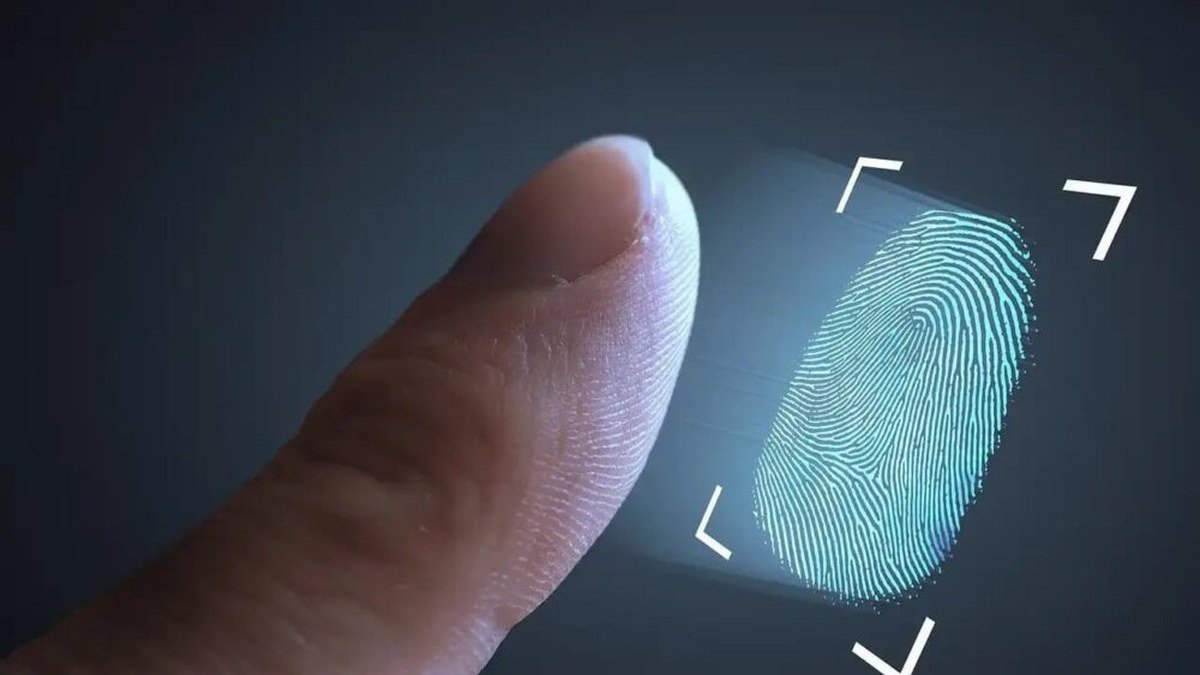
8171 Error 938 Fingerprint: Complete Fix Guide for BISP Beneficiaries
If you have received your BISP payment SMS from 8171, travelled to the payment centre or camp, and then saw error 938 on the biometric machine screen, you are not alone. This is one of the most common problems reported by Benazir Income Support Programme beneficiaries across Pakistan — the machine refuses to recognise your fingerprints, and your payment cannot be released.
Error 938 ka matlab hai ke aapke fingerprints verify nahi ho rahe. In simple terms, the biometric device compared your live fingerprint with the record linked to your CNIC and the two did not match, so the transaction was rejected. The good news: this error almost always has a fixable cause.
This guide explains what 8171 error 938 really means, the common causes behind it, the step-by-step fixes you can try on the spot, how to get your biometrics updated at NADRA, and the mistakes to avoid so that nobody can take advantage of your situation.
What Is 8171 Error 938 and Why Does It Appear?
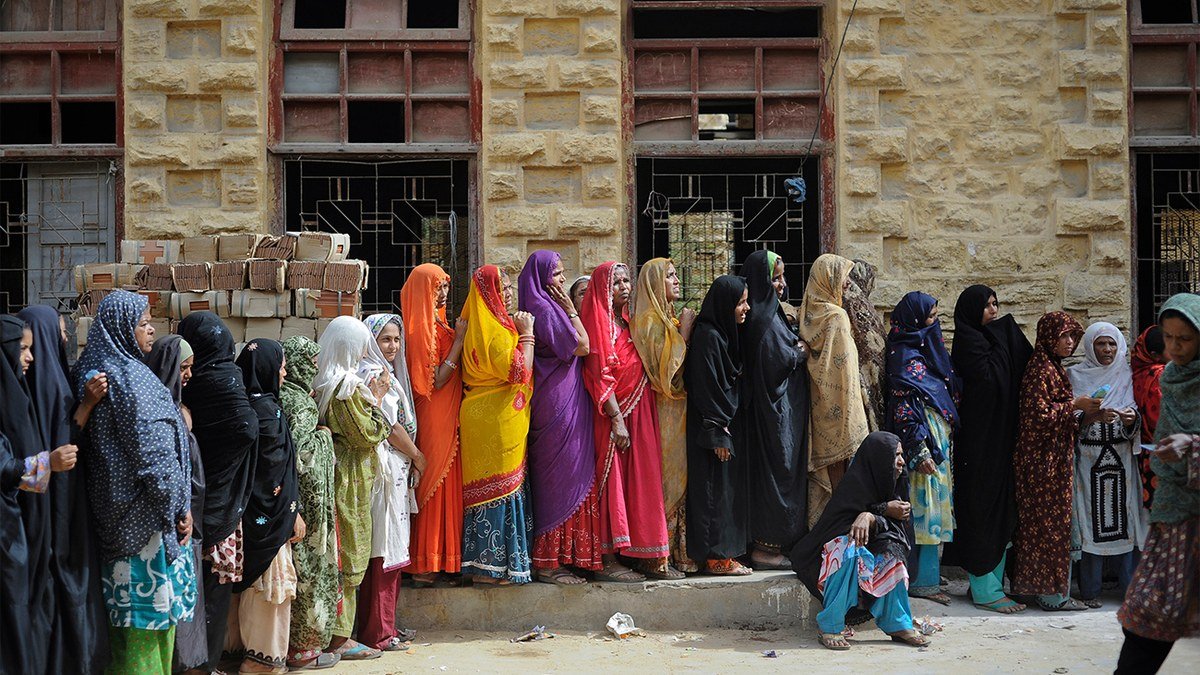
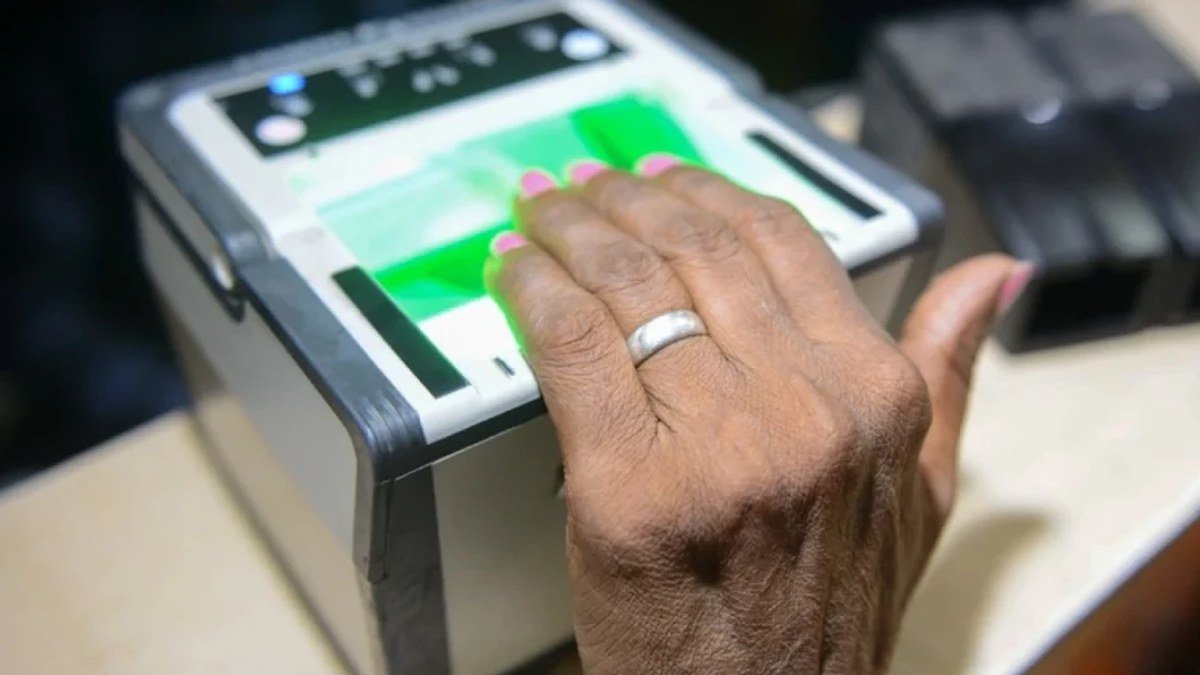
BISP payments are disbursed through a biometric verification system. When you reach the retailer, camp, or bank payment point, the agent asks you to place your thumb or finger on a biometric scanner. The scanner reads your fingerprint and matches it against the record linked to your CNIC in the national database. Only when the match succeeds does the system release your quarterly payment.
When you see 8171 error 938 on the screen, it means the fingerprint did not match the stored record — the BISP biometric verification failed at that attempt. This error is generated by the biometric verification software, not by the 8171 SMS service itself, which is why it appears at the payment point rather than on your phone.
It is important to understand that error 938 does not mean your payment has been cancelled or blocked. Your installment is still in the system against your CNIC — only the identity confirmation step could not be completed. In reality, most causes are everyday, physical issues: dry skin, a dusty scanner, or fingerprints faded by years of manual work.
Common Causes of 8171 Error 938 Fingerprint Mismatch
Understanding why your fingerprint is not matching BISP records helps you pick the right fix instead of trying things at random. Here are the most common causes:
Worn-out fingerprints from daily work
The single most common cause is faded or worn fingerprints. Manual labourers, factory workers, farmers, domestic workers, and housewives who do housework all day slowly wear down the ridges on their fingertips. Elderly beneficiaries face the same problem because skin naturally loses definition with age. If your fingertips look smooth or shiny rather than clearly ridged, worn prints are very likely the reason.
Dry, cracked, or dirty fingers
Scanners read best on clean, slightly moist skin. In winter, or after washing hands, fingers become dry and the scanner cannot capture clear ridges. Dust, mud, oil, or henna (mehndi) on the fingers can also block a clean read — and many cases are solved simply by washing and preparing the hands properly.
Faulty or low-quality biometric machine
Sometimes the problem is not your finger at all — it is the device. Scanners at busy camps get dirty lenses, overheat, or develop calibration problems after hundreds of scans in a day. If your print worked fine at a bank or NADRA office recently, a faulty payment-point machine is a strong suspect.
Fingerprint mismatch with the NADRA record
Your fingerprint record at NADRA may be old or captured with poor quality. If your CNIC was issued many years ago, the stored template may no longer match your current prints. When the live scan compares against an outdated or weak template, the result is a fingerprint not matching BISP verification — error 938.
SIM not registered in the beneficiary’s own name
BISP communicates through the mobile number registered in the beneficiary’s name. While the fingerprint scan itself is linked to the CNIC, mismatches in registered mobile numbers can create complications in the overall verification flow at some payment points. Ensuring the SIM used for 8171 messages is in the beneficiary’s own name keeps the process smooth.
Cut, injured, or bandaged fingers
Cuts, burns, blisters, or bandages on the scanning finger change or hide the ridge pattern temporarily. If you have injured the thumb you normally use, the scanner may fail repeatedly until you try a different, uninjured finger.
Step-by-Step Fixes for 8171 Error 938 (Try These in Order)
Do not give up after one failed attempt. Follow these steps in order — most beneficiaries clear error 938 within the first few steps, right at the payment point.
Step 1: Try all ten fingers, not just the thumb
The machine usually asks for the thumb first, but your NADRA record contains multiple fingers. Ask the agent to try each finger one by one — index fingers often scan better than thumbs for people who do manual work. Many 8171 error 938 cases end right here, on the second or third finger.
Step 2: Clean and slightly moisturise your hands
Wash your hands with soap and clean water and dry them gently — do not leave them dripping wet or bone dry. If your skin is very dry, rub a tiny amount of plain moisturiser, petroleum jelly, or even cooking oil on the fingertips and wipe off the excess. The goal is slightly supple skin, not greasy fingers. Avoid henna-covered or freshly mehndi-dyed fingers if possible, and remove any dirt under the nails. Then try the scan again.
Step 3: Ask the agent to clean the scanner
Politely ask the payment agent to wipe the scanner glass with a clean, soft cloth. A dusty or smudged scanner lens is a frequent hidden cause of a failed BISP biometric verification. Also ask the agent to reposition your finger — sometimes pressing too hard or too lightly, or placing the finger at an angle, causes the failure. A calm re-attempt with a clean scanner resolves many cases.
Step 4: Try a different payment centre or device
If several fingers fail on one machine, the device itself may be faulty. Visit a different retailer, camp, or payment centre and try there — beneficiaries regularly report that a fingerprint rejected at one shop is accepted at the next.
Step 5: Check your CNIC and registration status
Make sure you are carrying your original CNIC — photocopies are not accepted for biometric disbursement. Also confirm through the 8171 web portal or SMS service that your installment shows as released; if it does, the issue is purely biometric.
Step 6: Visit the nearest BISP tehsil office
If the fingerprint still fails at multiple payment points, go to your nearest BISP tehsil office with your original CNIC. The staff deal with BISP payment biometric issues every day — they can check your record, confirm whether your biometric template needs updating, and guide you to the alternate verification options available in genuine hardship cases.
Step 7: Use the alternate verification options offered by BISP staff
For beneficiaries whose fingerprints genuinely cannot be read — for example, elderly persons or labourers with severely worn prints — BISP staff at the tehsil office can advise on the alternate verification procedures currently available. Never accept “alternate verification” from a random agent at the payment shop; only follow the procedure explained inside the official BISP office.
NADRA Biometric Update: How to Fix Fingerprint Not Matching BISP Records
When the root cause is an outdated or poor-quality fingerprint template, the permanent solution is a NADRA biometric update. This re-captures your fingerprints with modern equipment and refreshes the record that every verification system — including BISP payment points — matches against.
What to carry
Take your original CNIC to the nearest NADRA Registration Centre. NADRA office ja kar apne fingerprints dobara update karwayein — if your CNIC is expired, also carry supporting documents such as your B-Form, old CNIC, or family registration certificate.
The biometric re-capture process
At the NADRA centre, tell the counter staff that your fingerprints are failing biometric verification for BISP payments and you need a biometric update. They will take a fresh set of all ten fingerprints and update your record. Going early in the morning on a weekday generally means shorter queues.
Fee and processing time
NADRA charges a prescribed fee for biometric updates and CNIC-related services; confirm the current fee at the centre or on NADRA’s official website before you go. Normal processing takes a few working days, while urgent processing is faster at a higher fee. Keep the NADRA token/receipt safe until your payment is collected — most beneficiaries find 8171 error 938 gone once the updated record propagates. If the error persists after a few days, visit the BISP tehsil office again with your CNIC and the NADRA receipt so staff can check whether the new template has synced.
What NOT to Do: Protect Yourself from Fraud
Unfortunately, whenever beneficiaries face a technical problem like 8171 error 938, dishonest people try to exploit the situation. Protect yourself with these firm rules:
- Never pay agents or middlemen. No agent, shopkeeper, or “contact” can fix your fingerprint or release your payment for a fee. Anyone demanding money to “clear error 938” is running a scam. Biometric updates happen only at NADRA; payment issues are handled only at official BISP offices and authorised payment points — all through proper channels, not cash payments to individuals.
- Never share your OTP with strangers. One-time passwords sent to your mobile are for your use only. No genuine BISP or bank representative will ever ask you to read out your OTP. Sharing it can let someone else withdraw or divert your installment.
- Only use official channels. For information, use the 8171 SMS service, the official 8171 web portal, the toll-free helpline 0800-26477, or a visit to the BISP tehsil office. Do not trust WhatsApp forwards, Facebook pages, or YouTube videos claiming “secret” fixes for error 938.
- Never hand over your original CNIC to unauthorised persons. Show it to NADRA staff, BISP office staff, and the authorised payment agent during the transaction — and take it back immediately. Do not leave it with anyone.
- Do not pay bribes at payment points. If an agent asks for a “fee” or “commission” to attempt your fingerprint again or to release your payment, refuse and report it. Your full installment is your right; deductions by agents are illegal.
- Never share your CNIC number publicly — not in social media comments, not on random websites, and not on this site. Anyone asking for CNIC numbers online is not acting officially.
If someone has already taken money from you or misused your information, report it on the BISP helpline 0800-26477 (toll-free) so the complaint is officially recorded.
8171 Error 938 FAQs: Quick Answers
What does 8171 error 938 mean?
8171 error 938 means your fingerprint biometric verification failed at the BISP payment point. The scanner could not match your live fingerprint with the record linked to your CNIC, so the payment could not be released at that attempt. Your installment itself is not cancelled.
Will I lose my BISP payment if error 938 appears?
No. Error 938 does not cancel or return your payment. The installment remains in the system against your CNIC. Once the fingerprint issue is resolved — by trying another finger, cleaning the scanner, or updating biometrics at NADRA — you can collect the same payment.
My fingerprints are worn out from labour work. What should I do?
Try all ten fingers, since some fingers wear less than others, and moisturise your hands slightly before the scan. If prints still fail at multiple payment points, visit NADRA for a biometric re-capture and then visit your nearest BISP tehsil office with your original CNIC. BISP staff can also advise on alternate verification options for genuine hardship cases.
How long does the NADRA biometric update take to fix error 938?
The NADRA visit itself is usually a single short trip. After the update, allow a few working days for the new fingerprint record to propagate through the system, then try the BISP payment point again. Keep your NADRA receipt until the payment is collected successfully.
Can I collect my BISP payment without fingerprint verification?
Biometric verification is the standard method for releasing BISP payments. In genuine cases where fingerprints cannot be read at all, BISP tehsil office staff can guide you to the alternate verification procedures currently available. Only follow procedures explained inside the official BISP office — never accept “alternatives” offered by agents or middlemen.
Who do I contact if the error keeps appearing?
Call the toll-free BISP helpline 0800-26477 for guidance, or visit your nearest BISP tehsil office in person with your original CNIC. You can also check your payment and eligibility status through the official 8171 web portal.
Disclaimer: UrduPro.info is an independent news portal and is not affiliated with the Benazir Income Support Programme, NADRA, or the Government of Pakistan. For official information, please visit https://www.bisp.gov.pk or call the toll-free BISP helpline 0800-26477. Never share your CNIC number or OTP on this website or with unauthorised persons.
Related Posts
 BISPBISP Payment Not Received? 12-Step Diagnostic Guide (2026) | UrduPro
 BISPPMT Score Check 2026: What It Means, Cut-off & How to Check Your BISP Eligibility Score
 BISPBISP Rs 18,000 January 2027: Confirmed Payment Increase for Benazir Kafalat Beneficiaries
 BISPMTMIS Punjab Vehicle Verification Online 2026: Complete Guide | UrduPro
 BISPDriving License Online Punjab 2026: Dastak App Complete Guide | UrduPro
 BISPPunjab Driving License Scam Alert: Fake Websites & “Without Test” Fraud | UrduPro
Most Popular
BISPPunjab Driving License Scam Alert: Fake Websites & “Without Test” Fraud | UrduPro51 views BusinessTech Stocks Trillion Loss: $1 Trillion Wiped Out as Oil Hits $11039 views
 How-ToPTA Tax Calculator 2026: Check Mobile Tax on Any Phone27 views
 Canada JobsTech Jobs in Canada: Roles, Salaries, and Skills Needed24 views
 TechnologyTecno Mobile Prices in Pakistan 2026: Spark, Camon and Pova Series Compared22 views
 How-ToNADRA Online Services 2026: Apply for CNIC, B-Form and More16 views