How to Check Telenor Balance in 2026: Code and Method
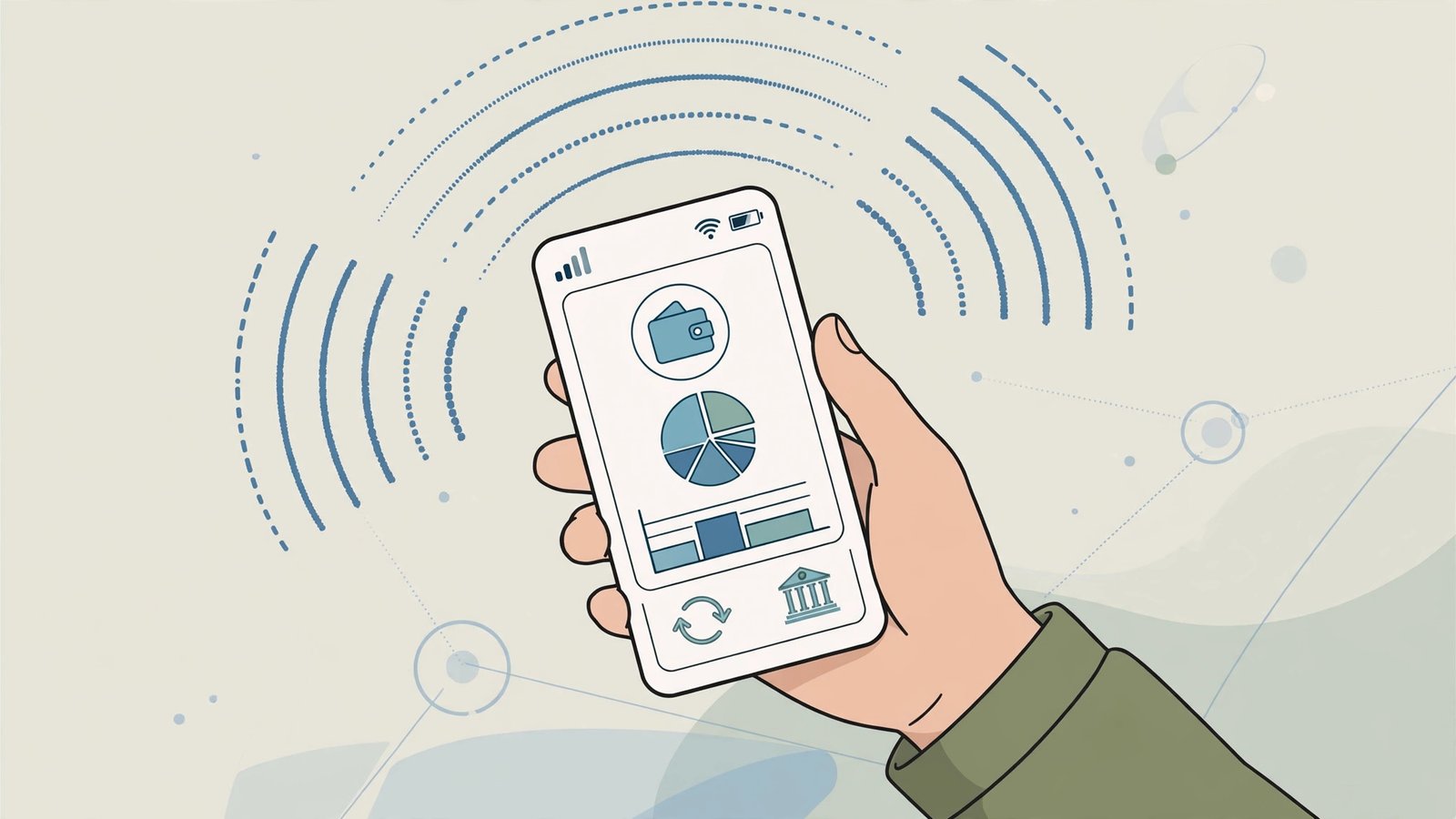
A Telenor balance check is quick with the official code *444#. Dial it from any Telenor prepaid SIM and your remaining balance appears on screen in seconds. This guide, updated 15 October 2026, covers the USSD code, the My Telenor app, and helpline 345, so Telenor customers always know their credit status.
Telenor Balance Check Code: Dial *444#
Method 1 — the official code. Enter *444# in your dialler and press call. This is the official Telenor balance check method: it needs no internet, works on all Telenor prepaid numbers, and shows your credit instantly. Note that Telenor does not offer SMS-based balance checking, so stick to the code or the app rather than trying a text-based method.
Method 2 — My Telenor app. The official My Telenor app, available on Android and iOS, shows your balance, internet MBs, and active packages on one screen. A Telenor balance check in the app also displays usage history, which is useful for tracking exactly where your credit goes each week.
Method 3 — helpline 345. Call 345 free from any Telenor SIM, choose the automated balance option, or ask to speak with an agent if you need further help.
Charges and Tips for Telenor Users
A Telenor balance check via *444# is reported as free in recent guides; some older listings mention a small per-inquiry fee, so confirm with 345 if a charge appears. Topping up is simple: scratch cards load with *555*PIN#, while Easypaisa, JazzCash, and bank apps provide instant online recharge. To protect your credit, use Wi-Fi when available, cancel unused auto-renewing bundles, and check bundle status with *999# before heavy data use so background apps do not drain your balance.
Related: our Telenor balance check code reference and Telenor internet packages 2026 guide. External references: Apna4G’s service code list and Life in Pakistan’s package comparison.
Managing Credit: Recharge, Loans, and Bundle Control
Topping up a Telenor number is easy. Scratch cards load with *555*PIN# after scratching the panel to reveal the code, while Easypaisa — Telenor’s own mobile wallet — JazzCash, and bank apps all offer instant online recharge. If you run out of credit at an awkward moment, Telenor’s advance balance and emergency loan facility can tide you over; request it through the My Telenor app or by calling 345, and the amount is recovered from your next recharge. Remember that withholding tax applies at recharge time, so the credited amount is slightly below the card’s face value.
When to Contact Telenor Customer Support
Call 345 when a USSD code returns an error repeatedly, when a recharge does not appear after a reasonable wait, or when a deduction in your usage history looks wrong. Before calling, note your number, the approximate time of the issue, and any error message shown on screen — agents resolve documented complaints far faster. For recharge failures, keep the scratch card or the digital transaction receipt until the credit appears. The My Telenor app’s live chat is a useful alternative if you prefer not to call, and it keeps a written record of the conversation for your reference. For account-level issues such as ownership changes, duplicate SIM requests, or biometric re-verification, visit a Telenor franchise or service centre with your original CNIC — these tasks cannot be completed over the phone. Keeping your SIM active with at least one call or SMS every couple of months also prevents the number from being deactivated and recycled to another customer.
Frequently Asked Questions
What is the Telenor balance check code?
The official code is *444#, dialled from any Telenor prepaid SIM for an instant balance display.
Can I check my Telenor balance by SMS?
No. Telenor does not offer SMS-based balance checking — use the *444# USSD code or the My Telenor app instead.
How do I check my remaining Telenor MBs?
Dial *999# for bundle status, or open the My Telenor app dashboard for remaining data, minutes, and SMS.
What is Telenor’s helpline number?
Call 345 free from any Telenor SIM for automated services or to speak with an agent.
Does *444# work on postpaid numbers?
The code is designed for prepaid accounts. Postpaid customers should check their bill and usage in the My Telenor app.
Step-by-Step Walkthrough
Knowing how to check Telenor balance quickly matters because balance inquiries used to carry a small charge — and many users still want to avoid unnecessary deductions. The good news is that the Telenor app shows your balance free, and there are USSD options too.
Telenor balance check code 2026 and balance save code
The classic Telenor balance check code 2026 method is dialling the balance inquiry code from your Telenor SIM; your remaining balance appears on screen. Because repeated checks can nibble at your balance, many users set up the Telenor balance save code service, which blocks accidental balance consumption from background data or value-added services. If your balance keeps disappearing, this service plus checking active subscriptions in the app usually solves it.
Check Telenor balance online and helpline
To check Telenor balance online, install the My Telenor App and log in with your number — it shows balance, bundle status and usage history free of charge. The Telenor helpline number can help if a recharge does not reflect: keep the retailer’s receipt or the scratch card serial until the balance appears. For balance-related complaints, the PTA’s complaint portal is the escalation route if the helpline does not resolve the issue.
Stopping Unwanted Balance Deductions
Many users learning how to check Telenor balance are actually trying to solve disappearing balance. The usual culprits: background mobile data consuming pay-as-you-go credit, accidental subscriptions to value-added services, and premium SMS. The fixes are systematic — first, unsubscribe from all VAS through the app or helpline; second, enable the balance save service; third, keep mobile data off when no bundle is active.
Recharge options and balance transfer
Beyond checking, managing your Telenor balance includes choosing the right recharge: easyload from retailers, scratch cards, bank apps, JazzCash/Easypaisa, or the My Telenor App. Balance transfer (sharing credit with another Telenor number) helps in emergencies but carries a small fee. Always recharge from trusted sources — fraudsters sell fake easyload, and the money is unrecoverable.
Related Posts
 How-ToNADRA CNIC Guide: Fee, Renewal Process and Tracking
 How-ToHow to Apply for Passport in Pakistan 2026: Step-by-Step
 How-ToHow to Check PTA Tax on Mobile 2026: Step-by-Step
 How-ToHow to Register Mobile with PTA 2026: Step-by-Step Guide
 How-ToHow to File Income Tax Return in Pakistan 2026: Step-by-Step
 How-ToHow to Pay Electricity Bill Online in Pakistan 2026
Most Popular
 How-ToPTA Tax Calculator 2026: Check Mobile Tax on Any Phone357 views
 SportsUEFA Champions League 2026-27: Format, Teams and Schedule334 views
 SportsBallon d’Or 2026: London Ceremony, Nominees and All-Time Records Ahead of 70th Anniversary326 views
 Canada JobsTech Jobs in Canada: Roles, Salaries, and Skills Needed326 views
 Pakistan NewsPIA Boeing 787 Lease Deal: What It Means for the Airline308 views
 ShowbizWomen’s Fashion in Pakistan 2026: Trends, Brands and Style Guide306 views